

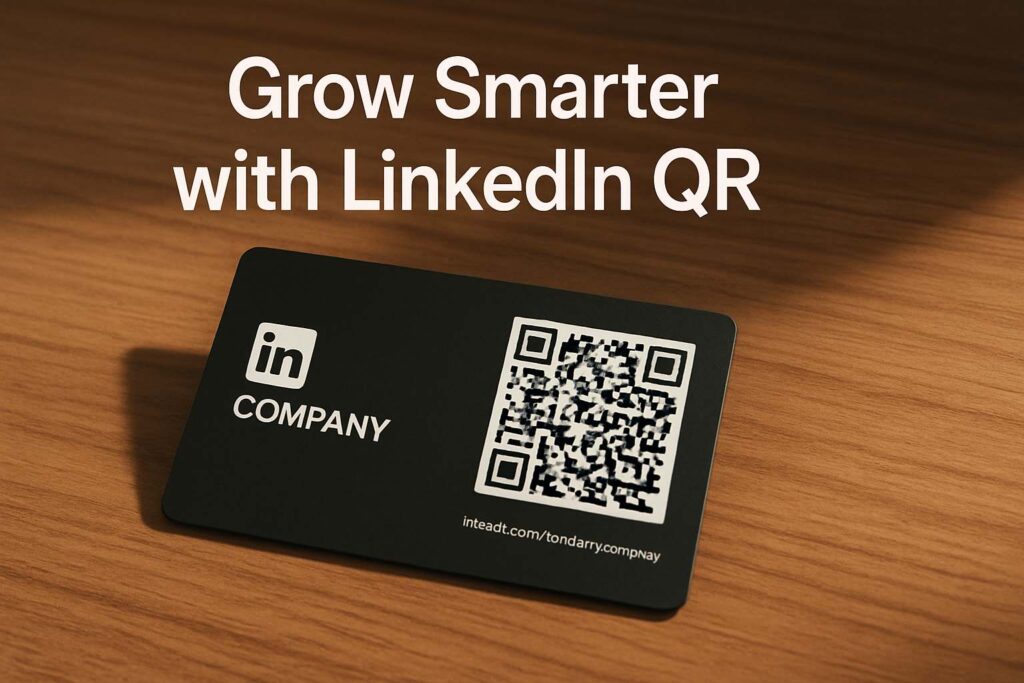
Let me tell you a story that changed how I do business networking.
Last month, I was at a local startup expo when a potential partner asked for my company page. Instead of telling them to “search on LinkedIn,” I simply asked them to scan my linkedin company page qr code printed on my name badge. They scanned it, hit “Follow,” and we were instantly connected. Easy, right?
That moment reminded me that QR codes aren’t just for menus anymore—they’re powerful tools for real connections.
What Is a LinkedIn Company Page QR Code?
A linkedin company page qr code is a quick-access, scannable code that links directly to your business profile on LinkedIn. It eliminates the awkwardness of spelling out company names, typos, or copy-paste delays. Just scan—and land straight on your page.
These QR codes are especially handy when used with the free and fast SmallToolHub LinkedIn QR Code Generator. There’s no app to install or login required. Just paste, design, and download.
Whether you run a startup, freelance brand, or growing enterprise, this tool is the fastest way to create a qr code for linkedin page that you can share digitally or physically.
Why Every Business Needs a LinkedIn Company QR Code in 2025
1. Make Real-World Networking Seamless
When you’re networking in person—whether at a job fair or pitch event—you don’t want to fumble through profile searches. A simple scan of your linkedin company page qr code does the job in seconds.
2. Designers, Creators & Freelancers – This Is Gold
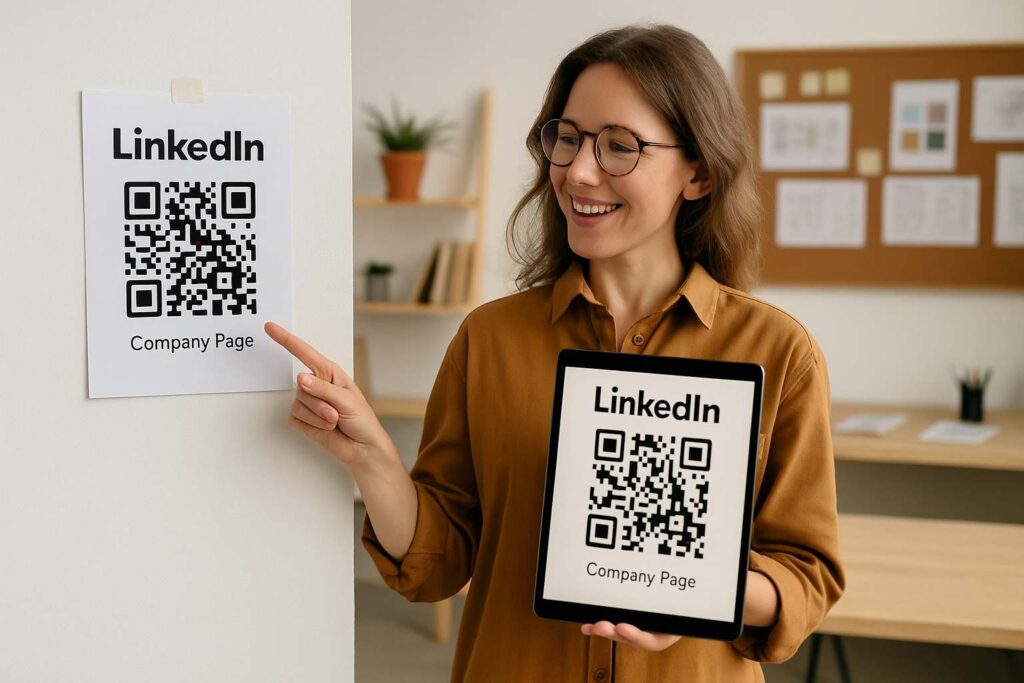
I work with graphic designers who embed their qr code for linkedin page in portfolio books and resumes. When a recruiter flips through their work, they can scan the code and connect instantly.
Even solo freelancers like myself include a linkedin qr code for profile at the bottom of invoices or pitch decks. It gives off a polished, prepared vibe.
3. Smarter Marketing Collateral
QR codes now belong on:
Business cards
Event brochures
Display stands
Posters
Company vehicles
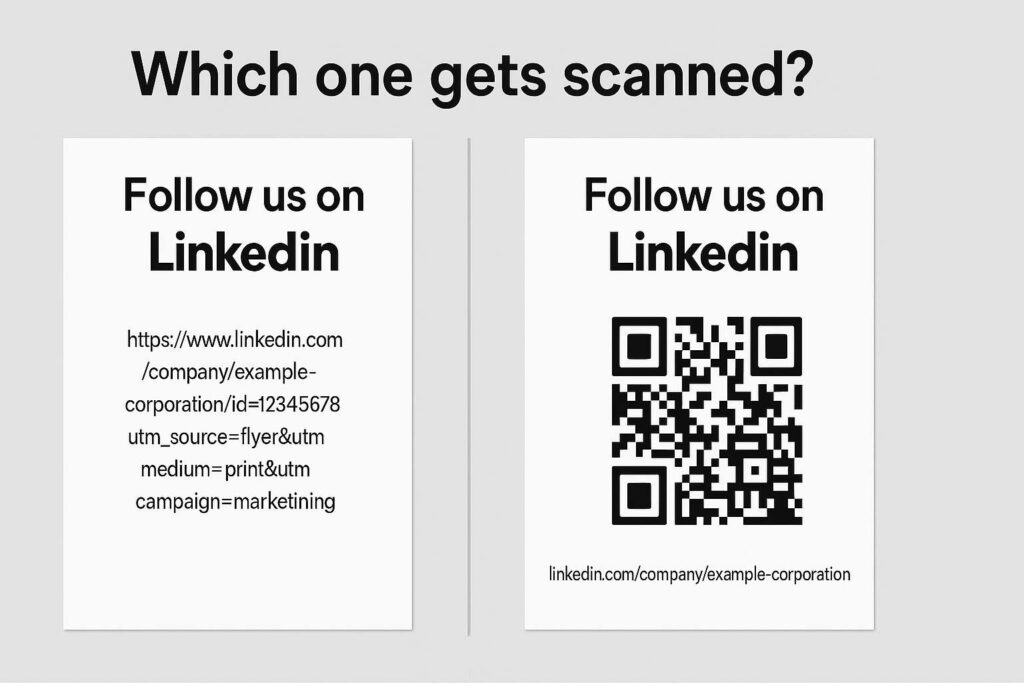
Instead of wasting space with long URLs, a qr code for linked in tells your audience, “Just scan me.”
How to Create a LinkedIn Company QR Code Instantly
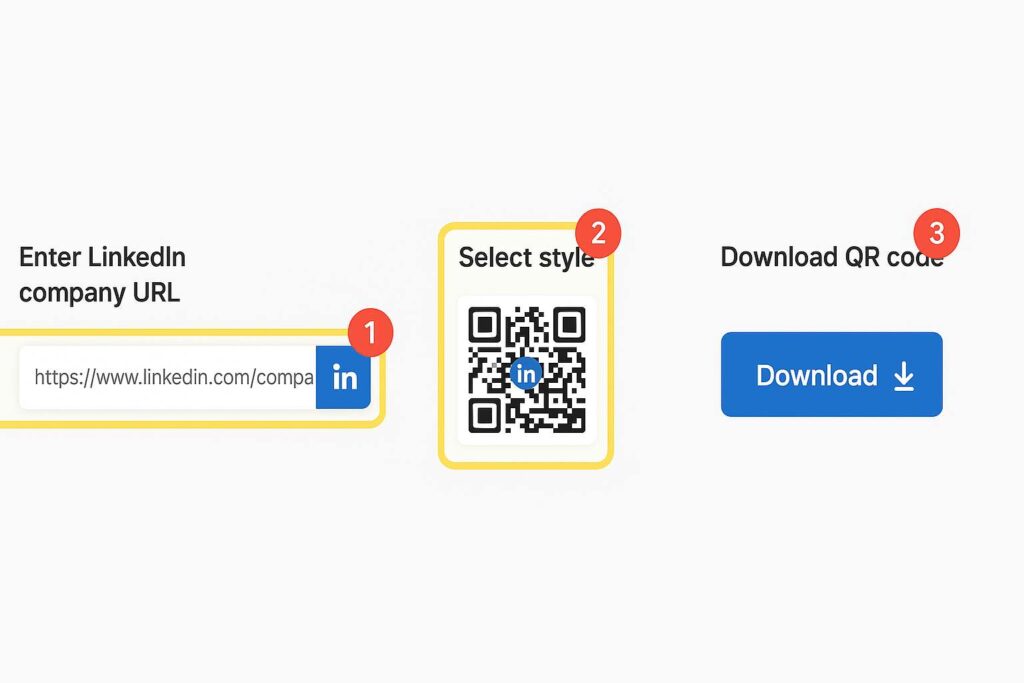
I personally use the SmallToolHub LinkedIn QR Code Generator and here’s how simple it is:
Copy your LinkedIn company URL
Paste it into the tool
Choose your preferred style and add your logo (optional)
Hit download
Done. Now you’ve got a slick, branded linkedin company page qr code you can print or post anywhere.
Where I Use My LinkedIn Company Page QR Code
Let me give you a few personal examples:
My email signature: It links directly to my brand’s LinkedIn page
Freelance contracts: Adds credibility by offering a quick company reference
Resume: I used the LinkedIn QR Code for Resume tool and got great feedback
Booth signage at expos: Visitors can follow our company without asking for details
Why It Works in Daily Life
Even if you’re not in sales or marketing, a linkedin company page qr code is a great touchpoint for:
Students showcasing startups in final-year projects
Artists promoting their creative brand pages
Consultants looking to add professionalism
Agencies hiring talent who can scan and apply directly
Even my cousin, who’s a student in Delhi, added a qr code for linkedin page to his resume and got callbacks simply because it made him stand out.
Digital Over Paper – A Shift That Needs QR
In 2025, we’re not exchanging business cards just for contact details—we’re building instant digital bridges. That’s why the linkedin company page qr code is more than just smart—it’s essential.
With it, your company stays a scan away from anyone—anytime, anywhere.
And if you’re working solo or just starting out, using a linkedin qr code for profile works just as well until your company page is live.
(You can also learn about its broader uses in What is a LinkedIn QR Code & Why It Matters in 2025.)
❓ FAQs – Real Questions, Real Answers
1. How do I find my LinkedIn company page URL to generate a QR code?
Easy! Just visit your company’s profile on LinkedIn, copy the URL from the address bar, and paste it into the QR generator tool. This forms the base of your linkedin company page qr code.
2. Will the QR code work across all devices?
Yes, your qr code for linkedin page works on iPhones, Android phones, tablets—anything with a camera. Users can scan and follow in seconds.
3. Can I add the QR to digital documents?
Absolutely. I’ve personally embedded my linkedin qr code for profile on PDFs, presentations, and invoices. It looks clean and adds credibility.
4. What’s the difference between personal and company page QR codes?
Your linkedin company page qr code links to your brand’s official page. Meanwhile, the linkedin qr code for profile goes to your personal LinkedIn. Both serve different goals but are equally powerful.
5. How do I know it’s safe to share my company QR publicly?
LinkedIn company pages are public by design. As Wikipedia’s Company Page article explains, they’re made to increase business visibility. Just keep your page updated and professional.
6. Can I track how many times the QR is scanned?
Directly from LinkedIn? Not yet. But you can use a trackable shortened URL (like Bitly) before creating the qr code for linked in to monitor engagement.
7. Do I need any software to generate the QR?
Nope. That’s the beauty of the SmallToolHub tool. It’s completely web-based. No installs. No fluff. Just quick, sleek, custom QR codes for your LinkedIn presence.
Final Thoughts
Here’s the thing—attention is a scarce resource.
A linkedin company page qr code gives you a moment of instant connection with someone who may become your next client, collaborator, or fan.
Whether you’re a student, founder, designer, or manager—it’s a no-brainer tool to amplify your LinkedIn presence without the hassle.
So, go ahead and generate yours today.
👉 Try the SmallToolHub LinkedIn QR Generator and let your company be a scan away from opportunity.

