


Let’s be real. In 2025, we’re not sharing business cards anymore—we’re sharing QR codes. More specifically, LinkedIn QR codes.
At first, I didn’t think I needed one. But after attending two networking events in the same week and seeing others connect instantly by just scanning their LinkedIn QR codes, I had a serious case of FOMO. So I did some digging—and what I found inspired this blog.
This guide is built around real-life linkedin qr code faqs, questions I had myself and ones people like you keep asking.
I’ll walk you through:
How to get a LinkedIn QR code
Where to use it
Best ways to create a clean, professional version
And answers to the most asked questions—all human, no fluff.
What is a LinkedIn QR Code and Why Does It Matter?
Your LinkedIn QR code is a personal, scannable shortcut that instantly opens your LinkedIn profile on someone else’s phone. Think of it as your modern-day business card—digital, effortless, and very 2025.
But here’s the twist—while everyone talks about using it, not many know how to get QR code for LinkedIn in a way that looks professional. That’s why linkedin qr code faqs are more relevant than ever.
How I Use My LinkedIn QR Code
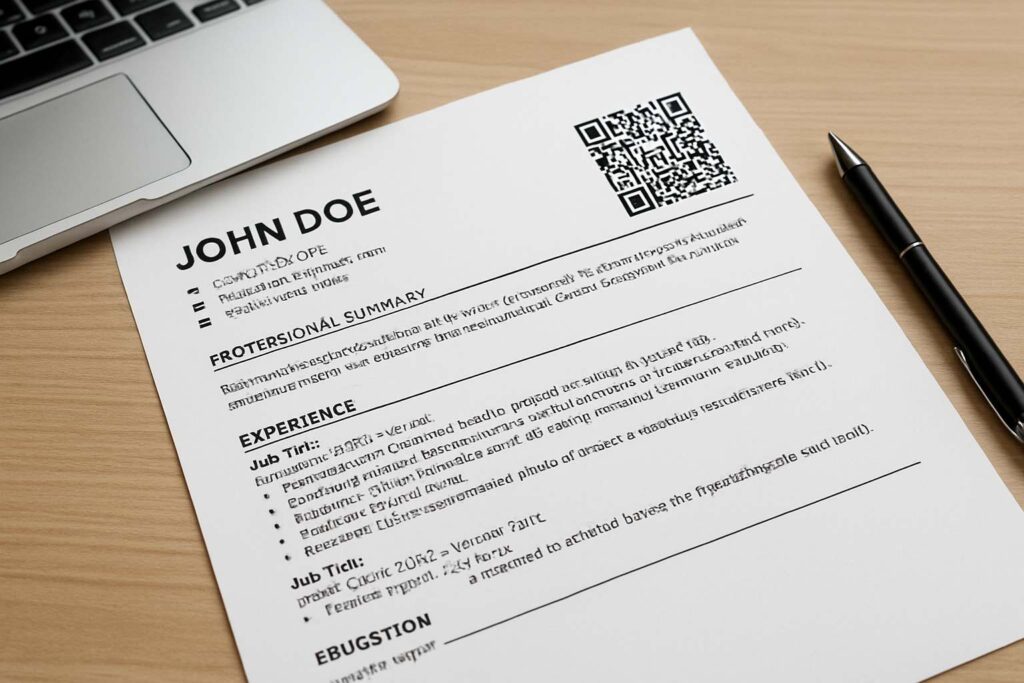
A few months ago, I added my LinkedIn QR code to my resume. During interviews, instead of explaining my work history, I’d let the recruiter scan and scroll through my profile on the spot.
I also use it:
On my digital portfolio
In my email signature
On my student ID card (yes, seriously)
Even printed on my desk nameplate during presentations
It’s subtle but powerful. And if you’re wondering how to create a qr code for your LinkedIn profile, I’ll walk you through the best way shortly.
🛠️ How to Get a LinkedIn QR Code – Step-by-Step
This is easily the most common in the linkedin qr code faqs list:
“How do I get my LinkedIn QR code?”
On Mobile:
Open the LinkedIn app.
Tap the search bar at the top.
Hit the QR code icon on the right.
You’ll see two tabs: My code and Scan. Tap My code.
Save or share it!
But here’s where most people stop—and it’s not enough.
If you want a clean, downloadable QR code to use on resumes, banners, or email footers, go beyond the app.
Use this free tool:
👉 LinkedIn QR Code Generator – Small Tool Hub
It’s what I used to make mine. No logins. No app installs. Just paste your profile link and you’re done.
This also answers another common query: how to make LinkedIn QR code without the LinkedIn app.
Why Freelancers, Students, and Creatives Love QR Codes
If you’re a:
Freelancer meeting potential clients
Student attending job fairs
Social media manager building a personal brand
Designer showcasing portfolios
…you need to know how to get a LinkedIn QR code that looks polished and works on multiple platforms.
I once missed a gig simply because the client couldn’t find me on LinkedIn. Never again.
Now, I add my LinkedIn QR code to every client presentation. It saves me from repeating the same pitch over and over.
That’s why these linkedin qr code faqs matter. It’s not just a tech gimmick—it’s how you present yourself in today’s digital-first world.
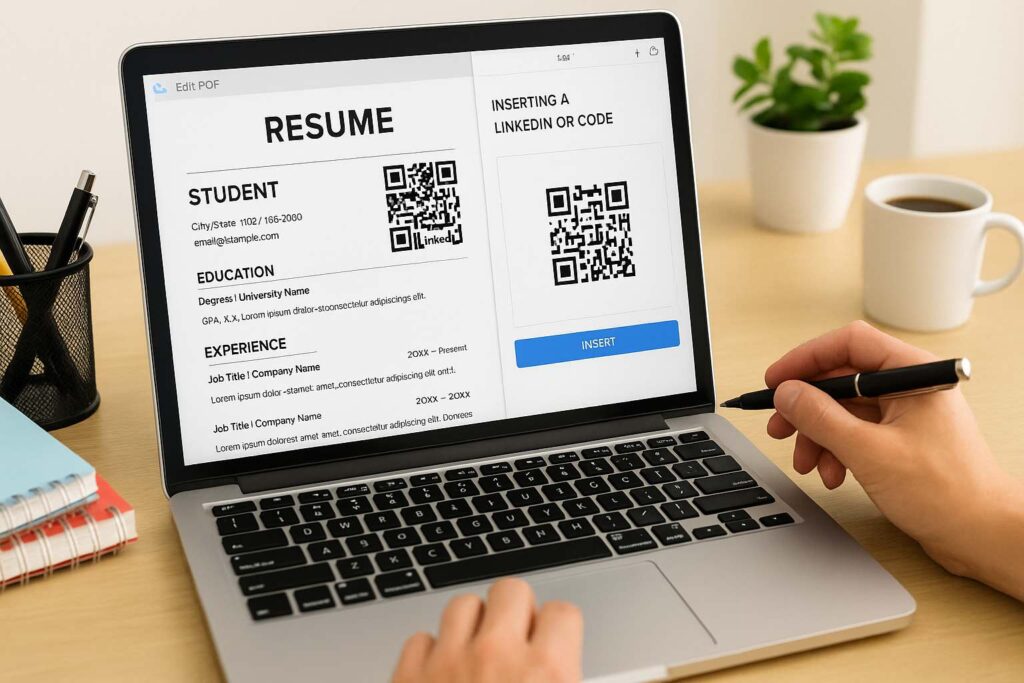
How to Make a LinkedIn QR Code Without Using the App
Here’s another popular one from the linkedin qr code faqs series:
“I don’t use the LinkedIn app. Can I still make a QR code?”
Yes, and it’s even easier.
Here’s how:
Visit your LinkedIn profile on desktop
Copy your URL (like
linkedin.com/in/johndoe)Paste it here → https://smalltoolhub.com/linkedin-qr-code/
Customize and download
That’s the simplest way to create a QR code for your LinkedIn profile if you’re more of a desktop person.

Where Should You Add Your LinkedIn QR Code?
A lot of people ask me:
“Now that I’ve got my QR code, where do I use it?”
Here’s where I’ve personally tested it:
✅ Resume – Top-right corner looks professional
✅ Portfolio – Clients love instant access
✅ Email signature – Add it next to your name
✅ Instagram bio – Through a Linktree
✅ Printed banners or visiting cards
And if you’re on the go a lot, print it on your phone case or even a custom keychain. No joke—I’ve seen it work at conferences.
So if you’ve been wondering how to create a QR code for your LinkedIn profile that’s truly useful, think beyond just digital.
Let’s Tackle 6 Real LinkedIn QR Code FAQs
Here’s the real meat of this blog—actual, detailed, and helpful answers.
1. Can I customize my LinkedIn QR Code?
Yes, if you use tools like Small Tool Hub. You can change colors, shapes, and even add a logo. I once added mine in brand colors—it made my resume stand out instantly.
2. Will my QR code change if I update my job title?
No. Your code is tied to your LinkedIn URL, not your current position. So even if you change roles, the QR code still leads to your profile.
This is one of the most misunderstood linkedin qr code faqs, and it’s why you should keep your profile updated.
3. Is it safe to share my QR code publicly?
Absolutely. It simply links to your public profile—whatever you’ve chosen to show. You control the visibility, just like you do with any LinkedIn content.
4. How do I get a LinkedIn QR code that looks professional?
Skip screenshots from your app. Instead, paste your profile link into the tool here → Small Tool Hub’s Generator. It’ll give you a sharp, HD PNG file.
5. Why do professionals use QR codes now?
Because we network differently. No one carries cards anymore. Whether you’re applying for jobs or pitching clients, QR codes bridge the gap. That’s why more people ask: how to make LinkedIn QR code that actually works in real life?
6. Is it possible to track how many people scanned my QR code?
LinkedIn itself doesn’t offer scan analytics. But third-party tools might offer tracking if you’re using dynamic codes. For everyday use though, it’s usually not needed.
Bonus Insight: What Does “FAQ” Actually Mean?
Since this post is loaded with linkedin qr code faqs, let’s pause for a moment.
FAQ stands for Frequently Asked Questions, a structure meant to simplify common queries. According to Wikipedia, it’s a widely used format for support content—and for good reason.
It keeps answers organized, scannable, and useful—just like your LinkedIn profile should be.
Final Thoughts: Your Digital Identity Deserves a Shortcut
You’ve got talent. A unique voice. A profile worth sharing. So why make others search for it?
In 2025, a LinkedIn QR code isn’t an extra—it’s essential. Whether you’re wondering how to get a LinkedIn QR code or where to put my LinkedIn QR code, I hope this blog gave you both clarity and confidence.
So here’s your action step:
🔗 Go to Small Tool Hub’s Generator and create your code in less than 10 seconds.
Simple. Professional. Game-changing.

