

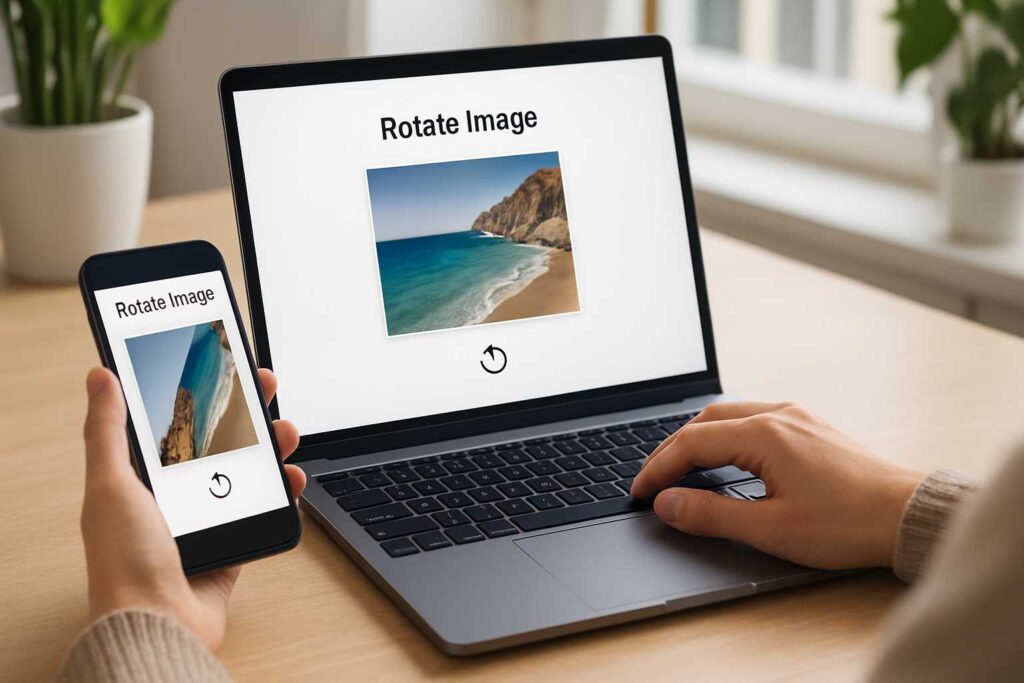
Let’s be honest—there’s nothing more frustrating than capturing a great photo, only to realize later that it’s sideways, upside down, or slightly off-center. I’ve been there. Whether it’s a selfie that saved wrong or a product image that’s not fitting right on your website, orientation issues can ruin an otherwise perfect shot.
This is where a photo rotator becomes more than just a convenience—it becomes a time-saving essential. And if you’re anything like me, juggling multiple tasks and tight deadlines, then a fast, reliable tool like the online photo rotator is exactly what you need.
Why Photo Rotator Tools Are Quietly Boosting Productivity Everywhere
Let me tell you a quick story.
Last month, I was helping a friend set up an online store for handmade crafts. We took over 50 pictures using her phone. Guess what? Nearly half of them uploaded sideways. She panicked. I opened the photo rotator, uploaded them one by one, clicked to rotate, flipped a couple, and downloaded them all—within minutes. Problem solved.
This isn’t just about saving time. It’s about not breaking the creative flow. Whether you’re a designer, marketer, blogger, or just sorting personal albums, being able to fix image orientation in seconds makes a huge difference.
A good photo rotator removes friction from your workflow. It doesn’t ask you to sign up, it doesn’t compress your image, and it doesn’t confuse you with 10 unnecessary features. It just works.
The Everyday Problems That a Photo Rotator Solves Instantly
We often underestimate how often we need to rotate or flip images. But think about this:
You scan a document and it’s upside down.
You take a selfie and it’s mirrored.
You upload a product photo to Amazon but it’s tilted.
Your blog’s featured image is off-center.
All of these are common issues. And fixing them shouldn’t require opening Photoshop or downloading a new app. That’s the magic of a browser-based photo rotator. It’s there when you need it—and gone when you don’t.
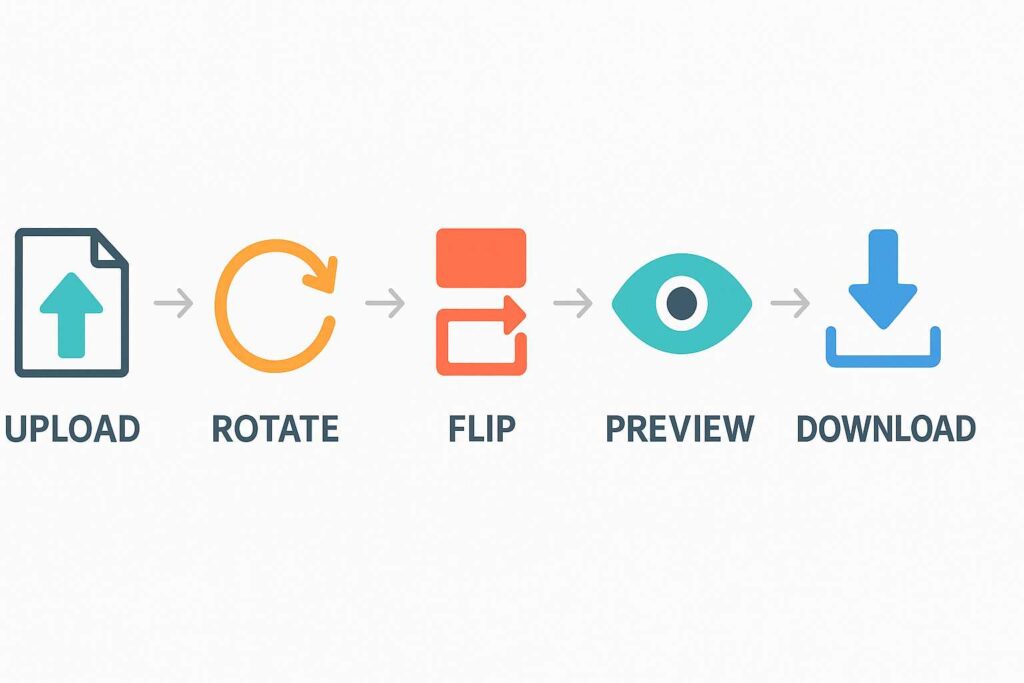
Using the SmallToolHub photo rotator is simple:
Upload the image
Rotate 90°, 180°, or 270°
Flip horizontally or vertically
Preview the result
Download it in full quality
This straightforward workflow is why I trust this tool over complicated editing software.
Why I Use a Photo Rotator for My Everyday Work
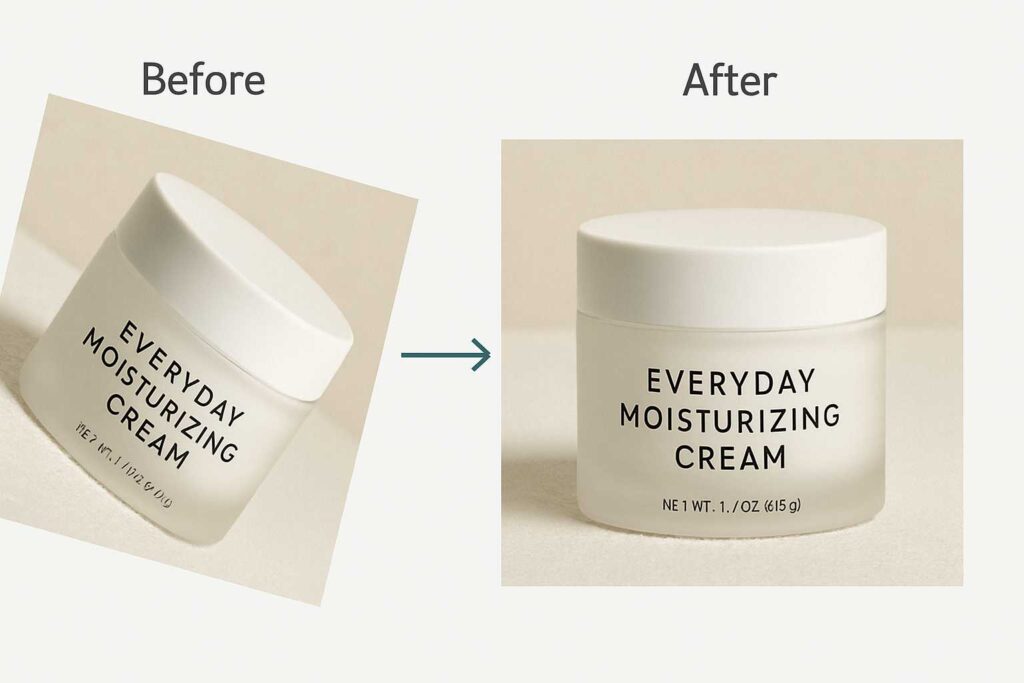
As someone who manages blogs and social media posts regularly, I can tell you—image rotation is a daily task. Sometimes the image I receive from a writer is perfect except for one thing: the angle. In such cases, a photo rotator is my go-to.
Take, for instance, my recent article where I needed a right-facing profile picture to balance out the layout. The original was facing left. All I did was flip it using the rotator tool. One click. Done.
And if you’re like me, picky about image quality, then let me reassure you—this tool doesn’t mess with resolution. You can also check out our blog on rotating images without losing quality to see why it matters. That article pairs beautifully with this photo rotator to give you both speed and quality.
Don’t Just Take My Word For It – The Data Backs It Up
According to Google Trends, terms like “rotate image online” and “flip photo” get thousands of searches monthly. It’s clear that people want quick, no-fuss ways to handle their images.
In fact, over 80,000 users every month search for variations of image rotation queries. That’s a clear signal: we need better, faster, more intuitive tools.
That’s why the photo rotator isn’t just another web tool—it’s something many users rely on every single day. It streamlines routine tasks and makes image editing accessible to everyone.

A Family of Features – The Tool Behind Other Powerful Blogs
Let me give you some context. This tool has become the core behind several helpful guides:
If you’re someone who wants to learn how to flip or turn images in just one click, head over to our blog on rotating photos online. It breaks down the exact steps for beginners and walks through the simplest way to get results with a photo rotator.
Need to preserve image quality? Don’t miss the detailed explanation in our blog on rotating without quality loss. It’s a must-read for designers, sellers, and photographers.
Each post tackles a unique angle of how you can use a photo rotator effectively—because image rotation isn’t one-size-fits-all. Whether it’s quick tilting, horizontal flipping, or preserving resolution, it all ties back to this one core tool.
How the Photo Rotator Works – Simple, Intuitive, and Fast
I’m not exaggerating when I say that anyone can use this. Here’s the process in plain terms:
No login
No signup
No ads
No download required
It runs directly in your browser. Upload your image, click your preferred rotation, and save it. Done. And the best part? It works just as well on mobile as it does on desktop.
This level of ease is why the photo rotator fits into workflows for designers, bloggers, students, and business owners alike.
Creative Ways to Use a Photo Rotator You Haven’t Thought Of
You probably know the basics, but here are a few clever ways I’ve used the photo rotator recently:
Flipping art to create symmetrical collages
Reversing text images for better layout on presentations
Tilting profile photos for more dynamic thumbnails
Correcting scans for tax forms and IDs
It’s not just about flipping a photo. It’s about aligning your visuals with your goals. And that’s where the photo rotator delivers again and again.
Frequently Asked Questions (FAQ)
Q: What is a photo rotator?
A photo rotator is a web tool that lets you rotate or flip your photos to correct orientation or add visual effect.
Q: Will my image lose quality when I rotate it?
Not with our tool. The rotate image tool retains full resolution without compression. You can also refer to our guide on image quality retention.
Q: Can I rotate images online for free?
Yes, absolutely. The tool is 100% free to use.
Q: Is it safe to use a photo rotator?
Yes. Your image is never stored on any server, and all actions happen in your browser.
Q: Where can I learn more about image editing?
For broader editing topics beyond rotation, visit this Wikipedia article on image editing.
Final Thoughts – Rotate with Confidence
In a world where visuals make or break attention, a wrongly-angled photo can cost you views, sales, or engagement. The right photo rotator helps fix that in just a few seconds.
And if there’s one takeaway from this blog, it’s this: you don’t need bulky software or technical skills. Just bookmark the photo rotator, and you’ll always have a quick fix ready.
Whether you’re a creator, student, business owner, or just organizing your family album—this tool is for you. And when you’re ready to learn more, don’t forget to check our related blogs for deep dives into everything from flipping to high-res rotation.
Go ahead, rotate that photo with our photo rotator. You’ll feel better when everything’s finally aligned.

