

Introduction
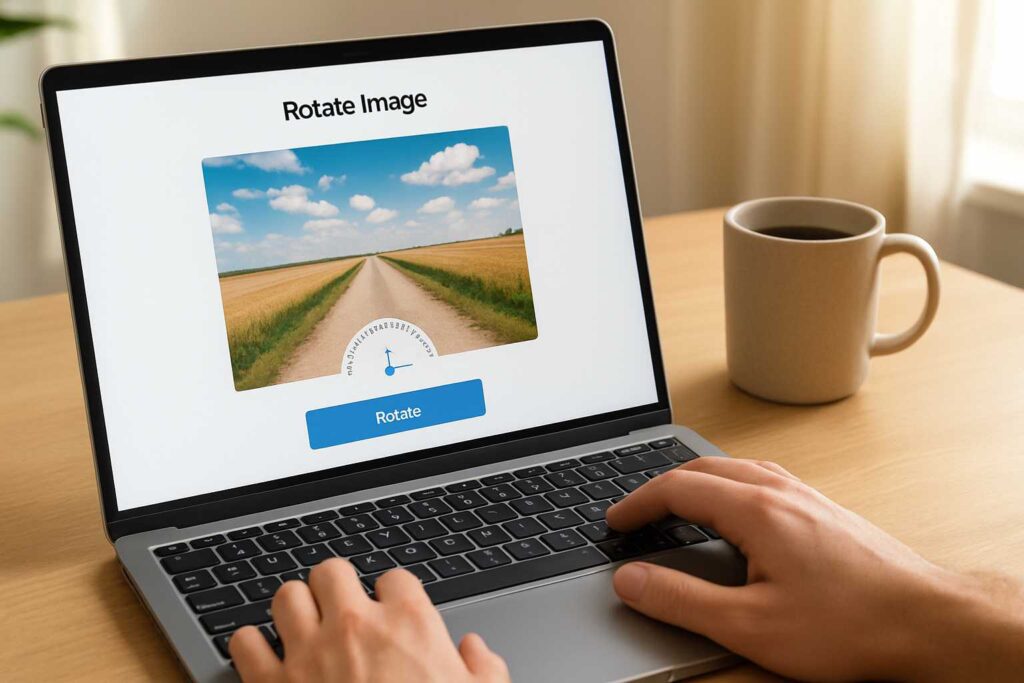
Let’s face it — we’ve all taken a great photo, only to realize it’s sideways or upside down. You shouldn’t need a complex software suite just to fix that. That’s where a rotate image free tool can be a real game-changer. I often use the SmallToolHub Free Rotate Tool for exactly this — no login, no watermark, and I get my image right every time.
What is a Rotate Image Free Tool?
A rotate image free tool lets you spin your images 90° left or right with just a click. Whether you’re on a desktop or your phone, it’s built to be frictionless. I love the fact that it doesn’t require me to sign up or download anything — that’s already a win.
Benefits of Using a Free Rotate Image Tool Online
Save Time with One-Click Rotations
When I’m in the zone, even small things like rotating an image can break my flow. A free tool that offers instant, one-click rotate image freely options helps me stay productive.
No Signup Hassles – Just Upload and Go
Honestly, I don’t want another password to remember. Using a rotate image free online service like the one from SmallToolHub saves me from unnecessary clutter in my digital life.
Boost Productivity with Instant Edits
Instead of wasting time opening software, I can rotate my images directly from the browser. That means more time writing, designing, or moving on to my next task.
Who Needs a Rotate Image Free Service?
Designers and Marketers
Designers often juggle multiple client files. A misaligned image can throw off an entire presentation. That’s where tools like SmallToolHub’s free rotator shine — quick, clean results.
Freelancers and Content Creators
As someone who publishes regularly, I frequently insert screenshots or product photos into my content. And yes, sometimes I capture them upside down (it happens!). Using a free rotate image feature solves that problem without interrupting my workflow.
Students and Office Users
Have you ever scanned a document and realized later it’s facing the wrong way? Students and professionals often face this. Rotating those documents online quickly makes life easier.
How the Free Rotate Image Tool Works
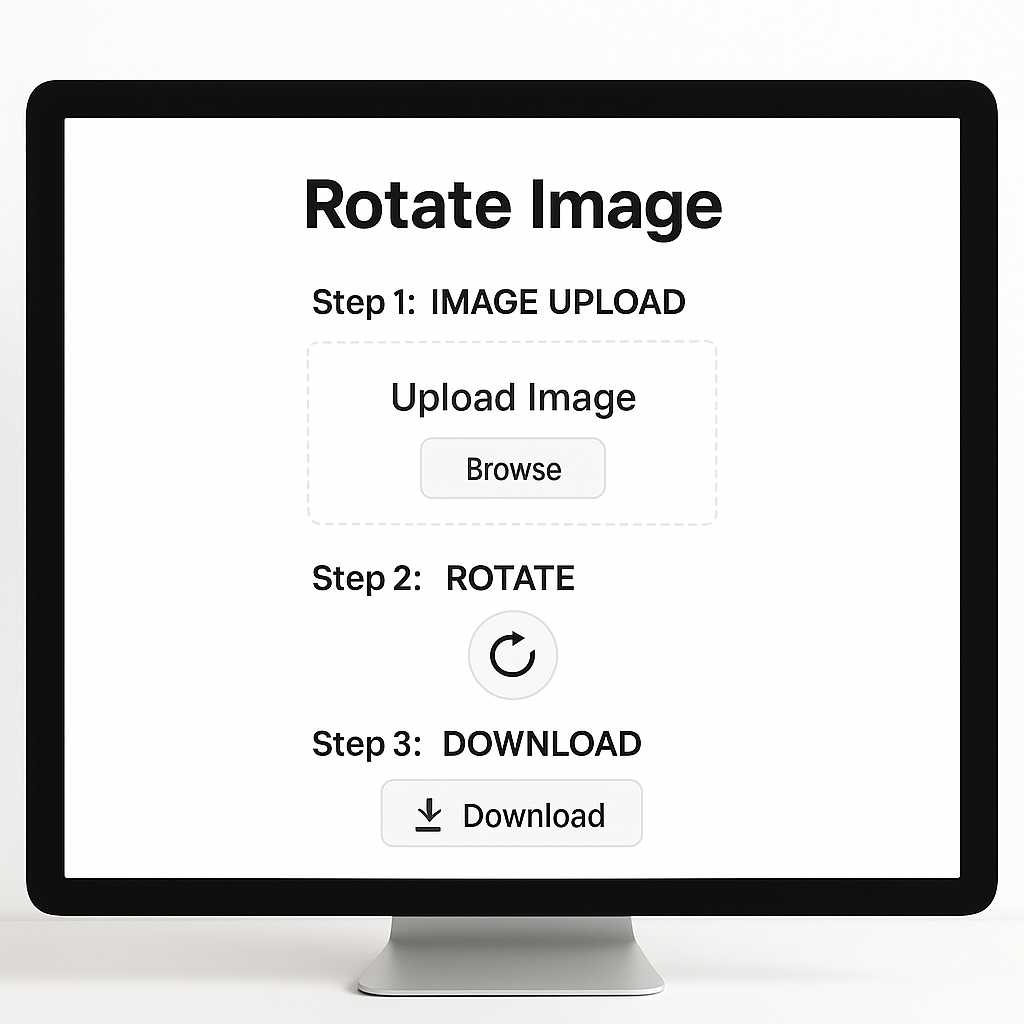
Using it is incredibly simple. Head to SmallToolHub’s tool:
Upload your image (PNG, JPG, even TIFF supported)
Click to rotate left or right
Download your image instantly — no watermark, no quality loss
Supported Image Types and Formats
JPEG, JPG
PNG
BMP
Bonus tip: Learn more about image rendering and formats on Wikipedia.
Real-Life Use Case – A Day in My Workflow
Last week, I had to prepare a product review post. One of the product photos I took came out upside down. Instead of loading up bulky software, I simply used this free tool, clicked once, and saved the perfect version. It saved me at least 10 minutes.
Does Image Rotation Affect Quality?
Not when done right. The platform also walks you through how to rotate images without losing quality. Whether you’re editing a 4000px image or a quick thumbnail, there’s no compromise.
Rotate Image Freely Without Software Installation
One of the biggest benefits? No installations. The tool runs straight from your browser, and it works seamlessly on both desktop and mobile. That’s one less app to install and one more reason to love the simplicity of rotate image free online editors.
How It Increases Your Productivity
Skip the Download-Edit-Reupload Cycle
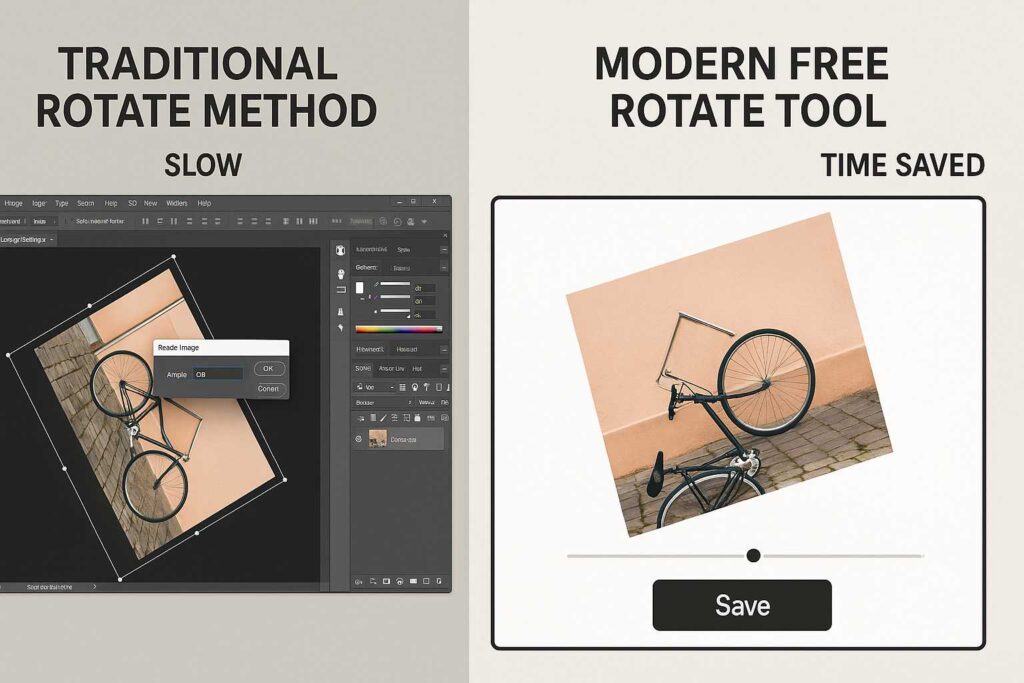
Normally, you’d have to download the image, open it in software, rotate, save, then re-upload. This tool skips all that.
Mobile-Friendly for On-the-Go Edits
I often rotate images on the go while working from a café. The rotate picture guide shows how easy it is to do it on mobile — no app needed.

Why Choose SmallToolHub’s Free Image Rotator?
Seamless Integration with Related Help Articles
This isn’t just a tool — it comes with well-written, real-user scenarios like the step-by-step guide to rotate images without losing quality or how to edit and rotate pictures instantly online. These are helpful walkthroughs of using the exact same tool, making it easier for different needs.
User-Friendly and Lightweight Interface
There’s nothing to distract you. Upload. Rotate. Save. It’s minimal, effective, and just works — which is exactly what a rotate image free utility should be.
Expert Tips to Rotate Image Free Without Losing Quality
Always rotate the original file, not a screenshot
Avoid repeatedly rotating the same image in different tools
Use tools that support lossless image editing (like SmallToolHub)
Conclusion – Quick Rotation, Big Impact
At the end of the day, we want to work smarter — not harder. Using a rotate image free tool like this one can save you time, reduce hassle, and make your workflow smoother.
It’s more than a convenience — it’s a productivity booster, especially when you explore supporting content like the article on rotating images without quality loss or the quick rotate picture guide. Try it once, and you’ll likely never go back.
FAQs
1. Can I rotate image free without creating an account?
Yes, you can! SmallToolHub’s online editor lets you rotate images without signing up.
2. Will my image lose quality if I rotate it?
Nope! It uses advanced methods to keep the resolution intact. Learn more from this detailed article.
3. Is the rotate image feature mobile compatible?
Yes, it works smoothly on both Android and iOS.
4. What file types are supported?
JPEG, PNG, BMP, WEBP, and even TIFF.
5. Is it safe to rotate sensitive or private images online?
Absolutely. The tool runs browser-side and doesn’t store your files. You can even check out info about image file structures on Wikipedia’s Bitmap article.

