

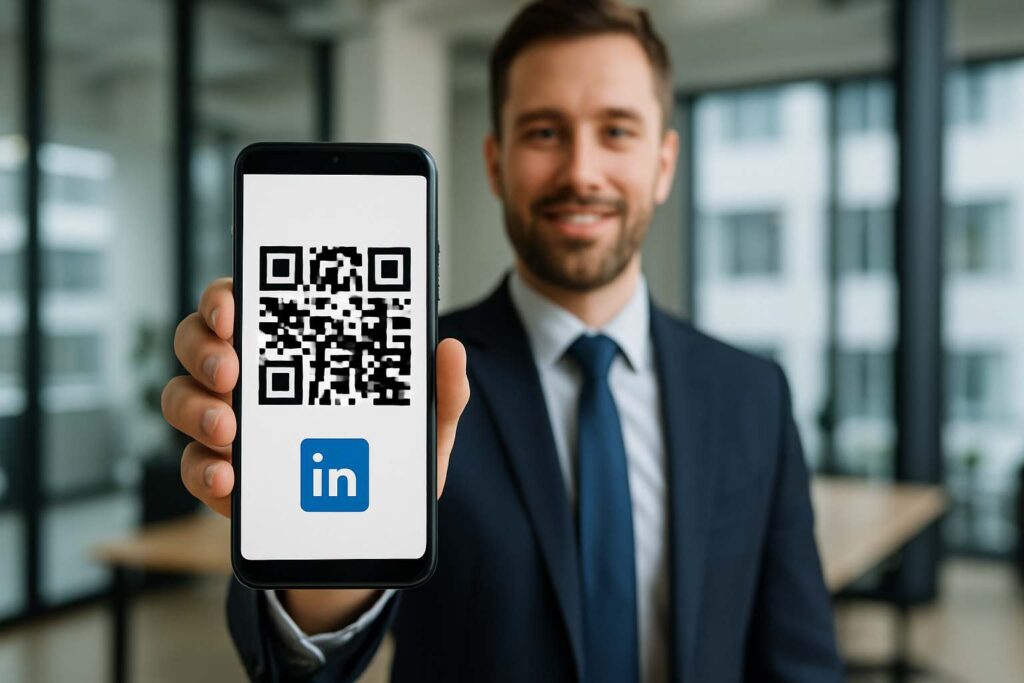
Let me tell you—I used to waste time texting my LinkedIn link or scribbling it on the back of receipts at meetups (yikes). That changed when I figured out how to create QR code for LinkedIn. It’s fast, polished, and makes networking feel like magic.
So, if you’re tired of the old-school hustle and want a slick, modern way to share your profile, you’re in the right place. I’ll walk you through how to create QR code for LinkedIn in the most human, no-nonsense way possible.
What Is a LinkedIn Barcode?
A LinkedIn barcode is simply another term for the LinkedIn QR code—a personalized, scannable graphic that links directly to your LinkedIn profile. This lets anyone instantly access your professional page without typing long URLs. One scan, and you’re in.
Unlike traditional barcodes (which you can learn more about on Wikipedia), a QR code stores much more data, including URLs, contact info, and text. That makes it perfect for networking.
You can use a free linkedin qr generator to create your own customized barcode in seconds. And trust me, once you start using it, you won’t go back.
Why the LinkedIn Profile QR Code Is So Useful
Imagine this: You’re a freelance writer at a co-working space. A fellow freelancer asks to connect. Instead of spelling out your name or scrambling for your LinkedIn handle, you let them scan your linkedin profile qr right from your phone.
It’s that simple. No awkward spelling. No delays. No errors.
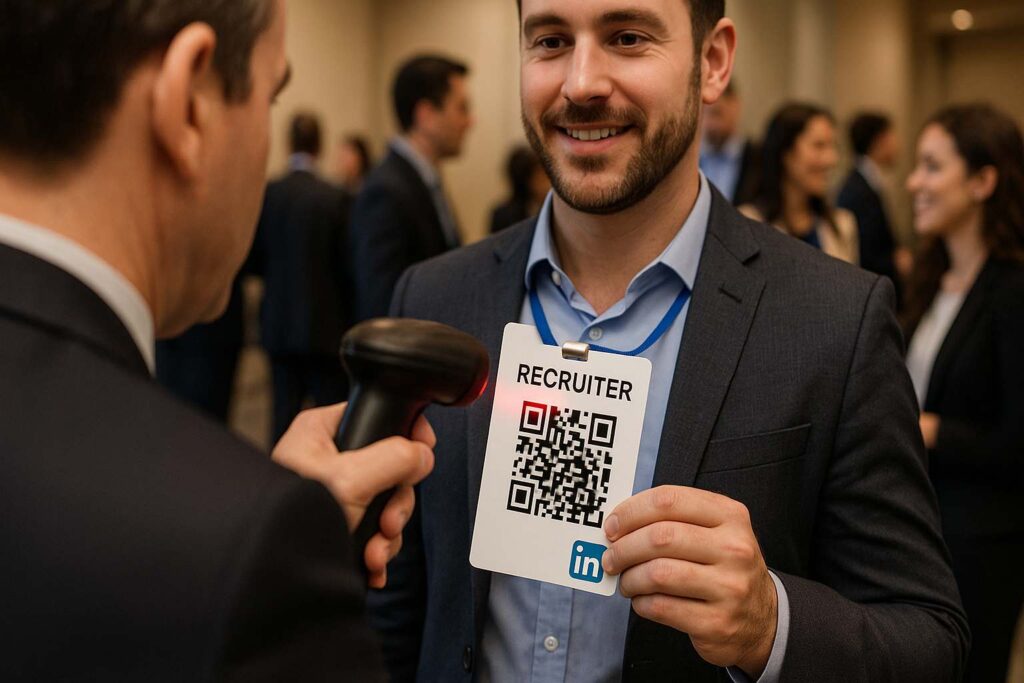
I’ve used my linkedin barcode in coffee shops, conferences, and even casual meetups. Each time, it made connecting quicker and more professional. People appreciate how seamless it feels.
How to Generate Your LinkedIn Barcode in Seconds
Don’t worry—you don’t need any tech skills to get your own linkedin barcode. Here’s how I do it every time using the SmallToolHub QR Code Generator:
Go to the tool’s homepage.
Paste your LinkedIn profile URL.
Customize the design: choose colors, add a frame, even include your logo.
Download your QR code as an image or PDF.
The tool is so lightweight and easy, you can even do it from your phone. It saves me loads of time every time I update my profile or want to create a fresh design.

Who Uses LinkedIn QR Codes in Real Life?
Designers: Add your linkedin qrcode to your portfolios or proposal decks.
Freelancers: Drop your linkedin barcode into your email signature or gig platforms.
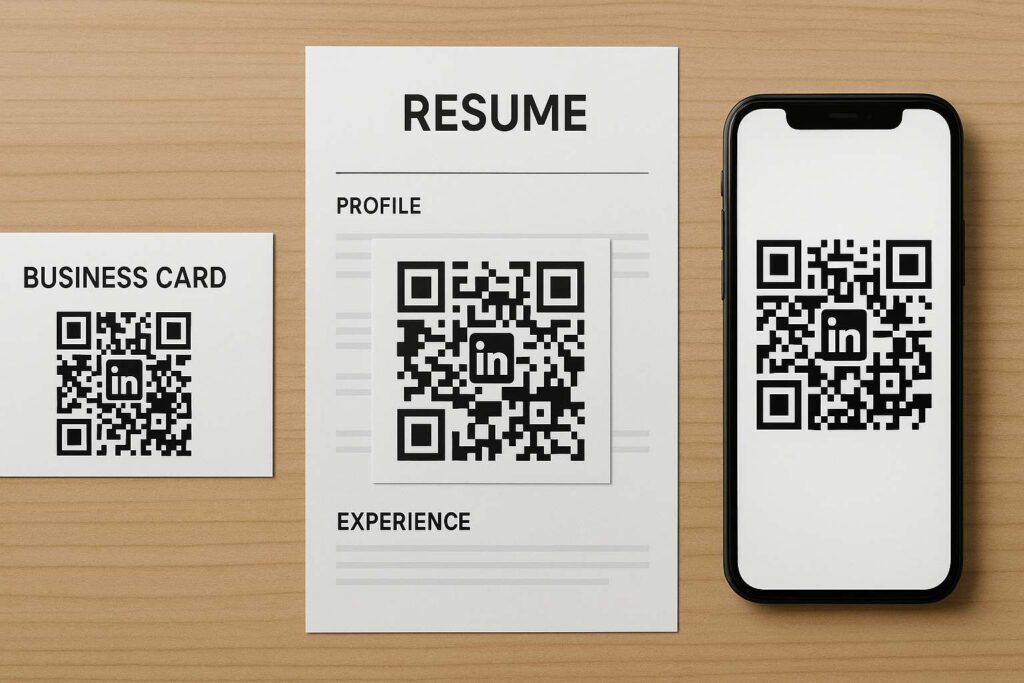
Students: Use your linkedin profile qr on resumes or college fair materials.
Social Media Managers: Share your qr code linked in on Instagram, Twitter, or even YouTube description boxes.
Entrepreneurs: Print your linkedin barcode on pitch kits, merchandise, or product labels.
Personally, I’ve even added my QR code to my phone lock screen—because you never know when opportunity will knock.
QR Code LinkedIn = Time Saved, Leads Gained
Before using my linkedin barcode, I wasted minutes trying to explain how to spell my name. Sometimes people never found me. With the linkedin profile qr, those problems vanished.
It also helped me track where people scanned from and which events drove the most connections. Pretty neat, right?
If you’re curious to learn even more, I highly recommend checking out this post: What is a LinkedIn QR Code & Why It Matters in 2025
Where to Show Off Your LinkedIn Barcode
Here’s where I’ve personally used my linkedin barcode with great results:
My digital business card
Bottom of email signatures
On the back of printed resumes
Inside online portfolios
Social media bios
Conference slide decks
Even if someone sees your linkedin qrcode for just a second, they can scan it, save it, and connect later. That’s powerful.
From Clunky Links to Click-Free Networking
The truth is, manually copying and pasting LinkedIn profile links is outdated. The new wave? Scannable. Instant. Smart.
Since switching to a linkedin barcode, I’ve grown my network much faster. People remember me—not because of my name, but because connecting was so easy.
And with tools like the SmallToolHub LinkedIn QR Generator, there’s no reason not to try it. Seriously.
Custom Branding Makes It Pop
Your linkedin barcode can be more than just a code. Make it stylish. Match your brand colors. Add a frame. Use your logo.
This level of customization from the linkedin qr generator helps create a visual identity. It’s not just functional—it’s professional.
The Bottom Line: Be Scan-Ready in 2025
We live in a world that’s digital-first. Whether you’re job hunting, pitching, or collaborating, your linkedin barcode can become your personal handshake.
And it’s not just about technology—it’s about convenience, memorability, and modern professionalism.
Still got questions? You’re not alone. Let’s tackle some of the most common ones:
And for more helpful insights, visit the LinkedIn QR Code FAQs
❓ FAQs: Everything You Need to Know About LinkedIn Barcode & QR Codes
1. What’s the difference between a LinkedIn barcode and a LinkedIn QR code? Not much really! In today’s context, a linkedin barcode usually refers to a QR code that points to your profile. Traditional barcodes (learn more on Wikipedia) hold less info. QR codes are way more versatile.
2. How can I get my LinkedIn QR code? It’s easy! Use the official LinkedIn app or a free linkedin qr generator like the one at SmallToolHub. Customize it and download.
3. Is it safe to share my LinkedIn barcode? Totally. Your linkedin barcode links to public info—nothing private. Just make sure your profile settings match what you want others to see.
4. Can I update my LinkedIn QR code later? Yes, and it’s simple. Just return to the linkedin qr generator, create a new design, and download. It takes seconds.
5. Where should I use my LinkedIn QR code? Add your linkedin profile qr on resumes, business cards, websites, or even stickers. I’ve seen people wear it on lanyards at events—it works!
6. What if someone doesn’t have a scanner? Most smartphones today scan QR codes directly from the camera app. But you can always add the full profile link under the linkedin qrcode as backup.
7. Do I need to pay to create a LinkedIn QR code? Nope! The SmallToolHub QR generator is 100% free, even with customization options.

