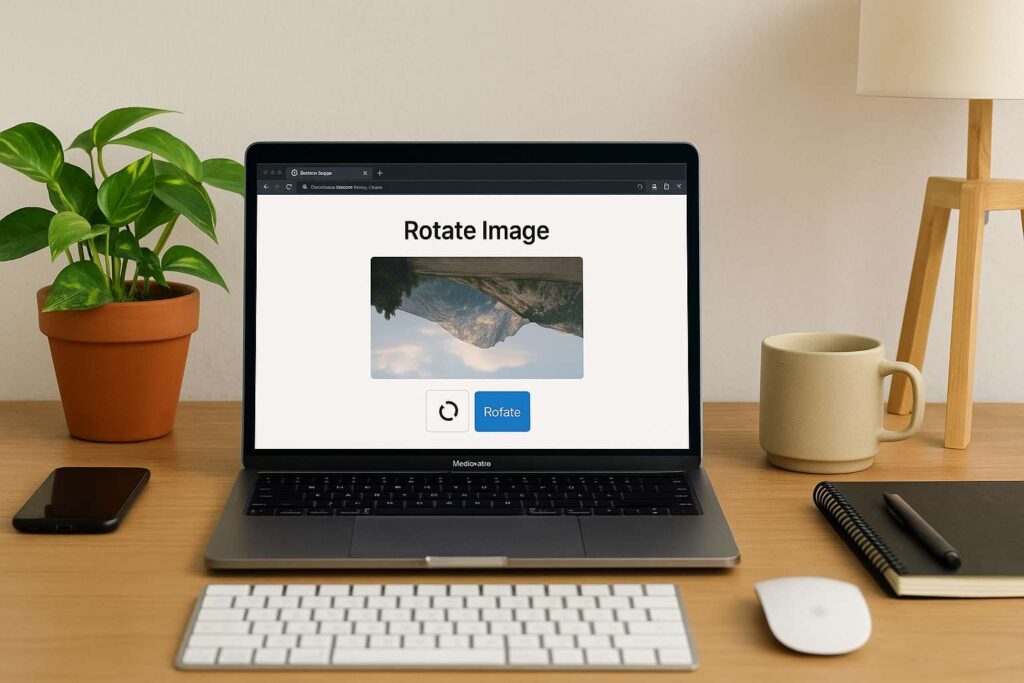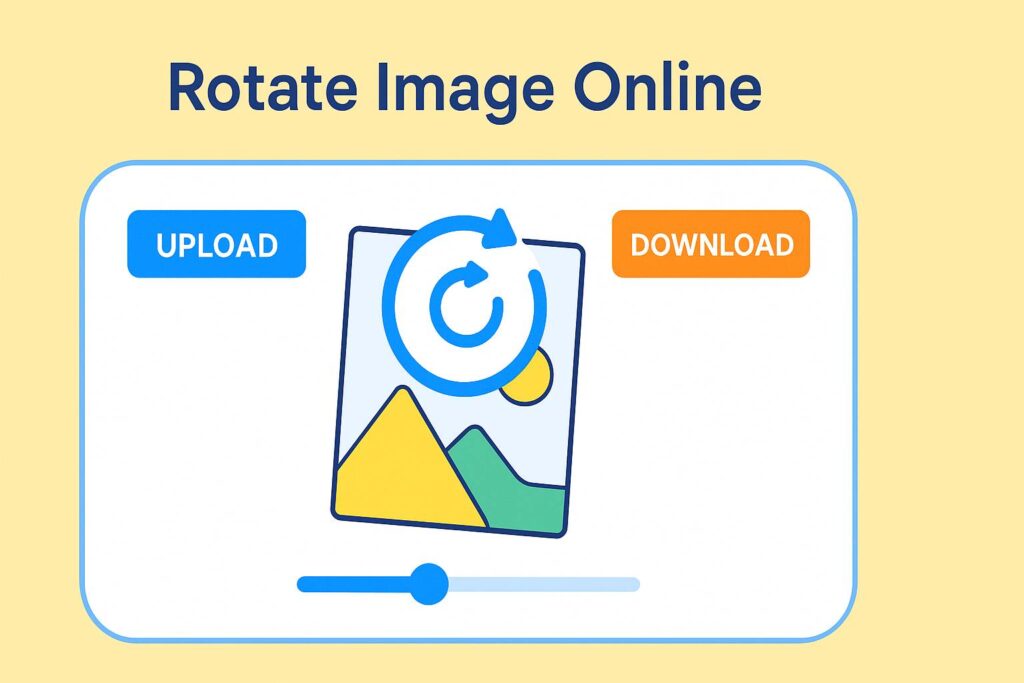
How to Rotate Image Online – Step-by-Step Guide

how to rotate image online

🚀 How to Rotate Image Online When It’s Sideways – Quick Fix!

I’ll be honest—I’ve lost count of how many times I’ve taken a photo on my phone only to find it sideways when I upload it to my laptop. It’s frustrating, especially when I’m working on a design project, a blog, or even just updating a product catalog.

Like last week, I was designing a website for a client who runs an online handmade soap store. I uploaded her banner photo—and guess what? It was upside down. I didn’t have time to open Photoshop or wait for some clunky app to load. I needed something fast, simple, and online.

That’s when I realized how to rotate image online isn’t just a “techy” thing—it’s something we all need, from freelancers to teachers, social media managers to students.

🧠 Why Learn How to Rotate Image Online?

We live in a fast-paced world. Whether you’re creating a presentation, editing your resume, posting on Instagram, or uploading client work—images matter. But if that image is sideways or upside down, it looks sloppy and unprofessional.

Here’s why you need a fast and easy solution:

  • You don’t want to install bulky software for a 2-second task.
  • You want to rotate your photo instantly—without login or payment.
  • You need it to work on both mobile and desktop.
  • You want it to be free, private, and with downloadable output.

Luckily, I’ve found just the tool for that. I’ll walk you through it.

🛠️ Step-by-Step: How to Rotate Image Online

Here’s exactly what I do when I need to fix image orientation in a flash using this tool:
👉 Rotate Image Online Tool

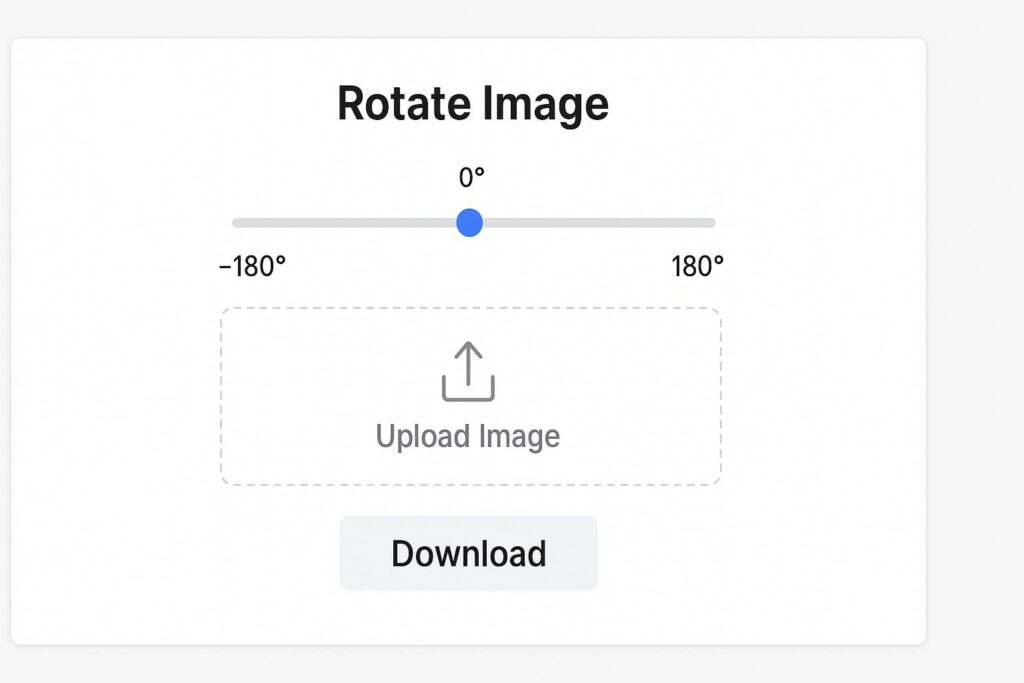
Step 1: Upload the Image

Click the upload area, or drag and drop your photo.
Whether it’s a .jpg, .png, or .webp, the tool handles it all.

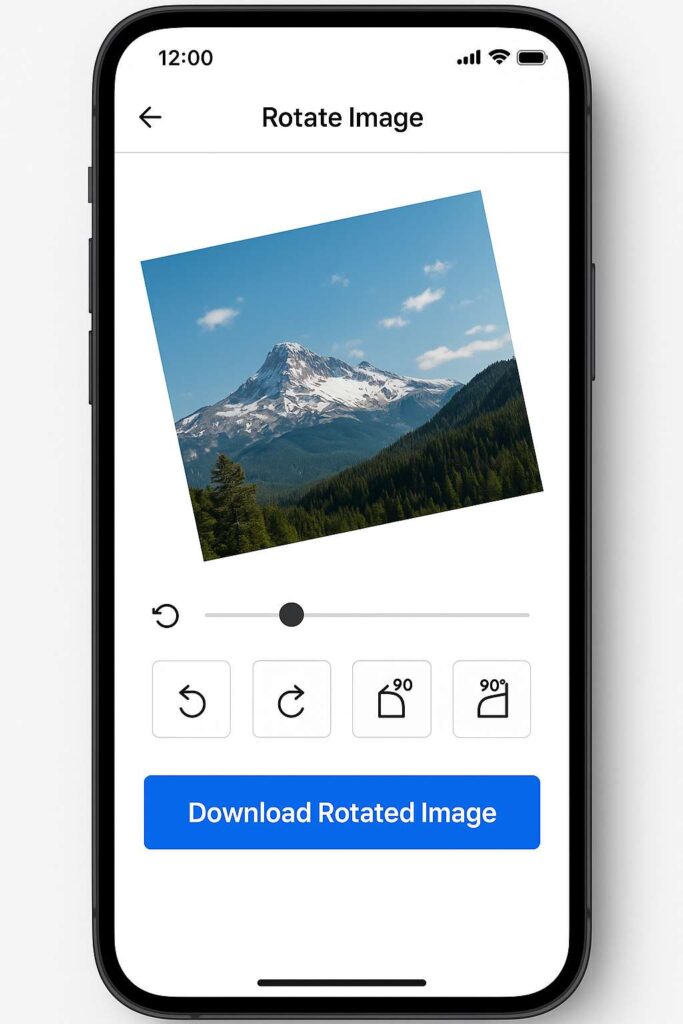
Step 2: Use the Rotation Slider or Buttons

You can either:

  • Rotate the image clockwise (90°, 180°, 270°)
  • Or use the angle slider to fine-tune the rotation (perfect for slightly tilted photos)

It’s way more flexible than built-in phone editors.

Step 3: Download the Rotated Photo

One click. That’s it.
Your rotated image is now ready to use—whether for a website, presentation, or social post.

You don’t even have to sign in or leave your email. 🙌
how to rotate image online

💡 Real-World Uses for Rotating Images Online

So now you know how to rotate image online, but where can you actually use it?

Here are real-life scenarios where this tool has saved my time and sanity:

👩‍💻 1. For Freelancers & Designers

You’re updating a client’s gallery, and one image is sideways. You can’t delay the delivery just because of that. Using this rotate image online feature, I quickly adjust and reupload the correct version.

🧑‍🎓 2. For Students

During online exams, students often scan answer sheets. I’ve seen so many submissions where pages are tilted. Learning how to rotate image online helps students fix those mistakes before submitting.

📱 3. For Social Media Creators

Ever shot a Reel in portrait but Instagram previews it sideways? Instead of reshooting, just rotate photo online and fix the angle in one click.

🛍️ 4. For Online Sellers

Uploading a product photo that looks weird? Flip it horizontally to match the brand aesthetic. That’s the power of using a rotate tool online—without needing Canva or Lightroom every time.

rotate image online

⚙️ Features That Make It a Winner

This isn’t just any tool. I’ve tested multiple online rotation tools, and here’s why I stick with SmallToolHub’s Rotate Tool:

No Login Required

Time saved = money saved. No registration, no nonsense.

Works on All Devices

Phone, laptop, tablet—doesn’t matter. The UI is responsive and clean.

No Watermarks

Unlike many free tools, this one doesn’t slap a watermark on your image. Huge plus for professionalism.

Flip and Spin Options

You can flip your image horizontally/vertically or rotate by custom degrees. So whether it’s a mirrored selfie or a slightly crooked scan, you’ve got full control.

how to rotate image online

💬 “Why Not Just Use My Phone Editor?”

Good question.

Sometimes your phone doesn’t let you rotate by custom angles (like 12° to fix a tilt).
Or, you might be on a shared desktop (like in a school lab) where no editing app is installed.

That’s why knowing how to rotate image online gives you an edge—it’s available anytime, anywhere.

Pro Tip: Flip Before You Rotate

When I’m editing profile pictures, I often want the subject looking left instead of right.
First flip horizontally, then rotate. This combo is a game-changer for thumbnails and banners.

You can do that easily here:
👉 Rotate Photo Online – Flip & Turn Photos in 1 Click

🔄 The Difference Between Rotate & Flip

This gets asked a lot, so let’s clear it up:

  • Rotate turns the image around a central point (like a compass turning).
  • Flip mirrors it across a vertical or horizontal line (like looking into a mirror).

When learning how to rotate an image online, don’t confuse the two. But it’s great to have both options in one tool—this one does.

🙋‍♂️ Frequently Asked Questions

Q1: Is it safe to rotate personal photos using online tools?
Yes. Most tools like SmallToolHub’s Rotate Tool don’t store your files. They run locally in your browser.

Q2: Can I rotate multiple images at once?
This tool supports one image at a time. For bulk tasks, you may need a desktop app.

Q3: Will it reduce image quality?
Nope. The output keeps the original resolution intact.

Q4: Can I rotate photos on my phone using this tool?
Absolutely. It’s mobile-responsive and works just like an app in your browser.

Q5: Where can I learn more about image rotation?
You can check out this detailed guide on Image Rotation on Wikipedia for the technical side of things.

rotate your photo

📌 Final Thoughts: You Don’t Need Photoshop for This

Here’s the truth: you don’t need to be a graphic designer to fix a sideways image.
You just need to know how to rotate image online the smart way.

Whenever I see a rotated photo, I don’t panic anymore. I open my browser, go to this Rotate Tool, and it’s done in 10 seconds.

No software. No watermark. No stress.

So next time you’re stuck with a sideways selfie, a crooked product photo, or a tilted document scan—you know exactly what to do.

Try Rotate Image Online Tool – Free & No Signup Needed

Try it now for free:
👉 Rotate Image Online Tool

No signups. Just upload, rotate, and download.

Because fixing an image shouldn’t be harder than taking one.

Leave a Comment

Your email address will not be published. Required fields are marked *

Leave a Comment

Your email address will not be published. Required fields are marked *

Scroll to Top