

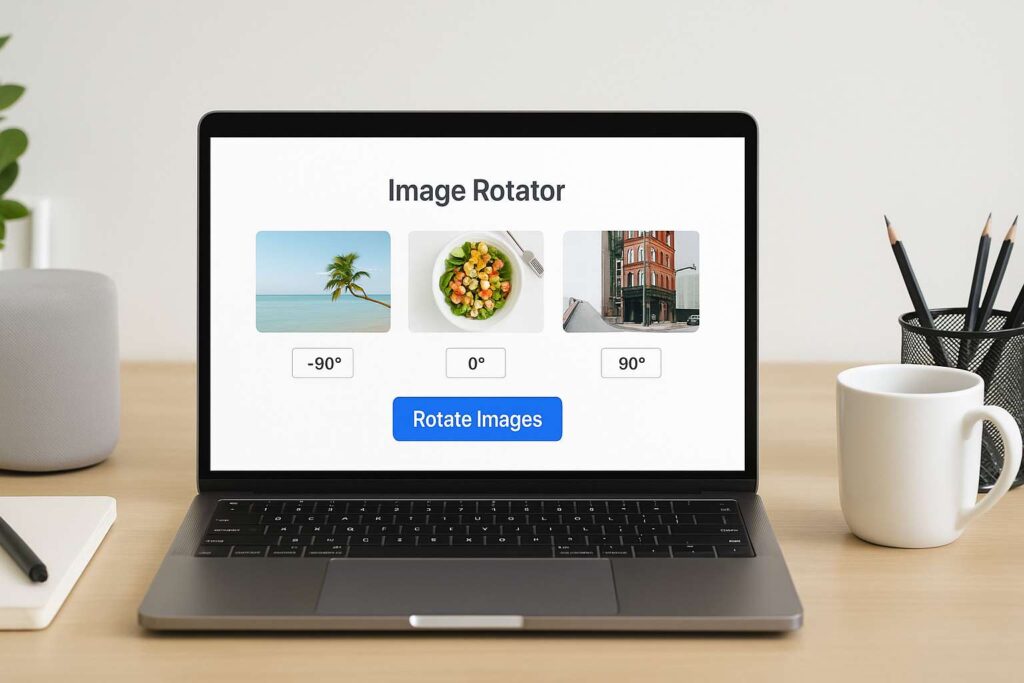
I don’t know about you, but I’ve had more than a few days ruined by sideways pictures.
It usually starts like this: I take a bunch of photos on my phone—maybe for a blog post, maybe for work—and when I finally upload them to my laptop, they’re all rotated the wrong way. Some are upside down, some are sideways… and I’m sitting there, groaning at my screen.
A couple of years ago, I’d open each file one by one in Paint or some bulky software just to rotate them. Talk about a time-sink! But things changed when I stumbled across a simple online picture rotator.
Let me tell you—this tool genuinely changed the way I handle images.
😩 The Day I Nearly Missed a Client Deadline
Here’s a quick story. A few months ago, I had a client waiting on a blog layout design. I had the visuals, everything ready—except the 25 images they sent me were all flipped vertically. I didn’t even notice until I started arranging them.
I was already behind schedule. If I went the old way—opening Photoshop, rotating each picture, saving one by one—I would’ve blown the deadline.
Instead, I uploaded all of them into this online picture rotator, clicked once to rotate them all, and downloaded the fixed batch in under 30 seconds.
No software. No stress. No late-night panic.
That moment sold me on this tool for life.
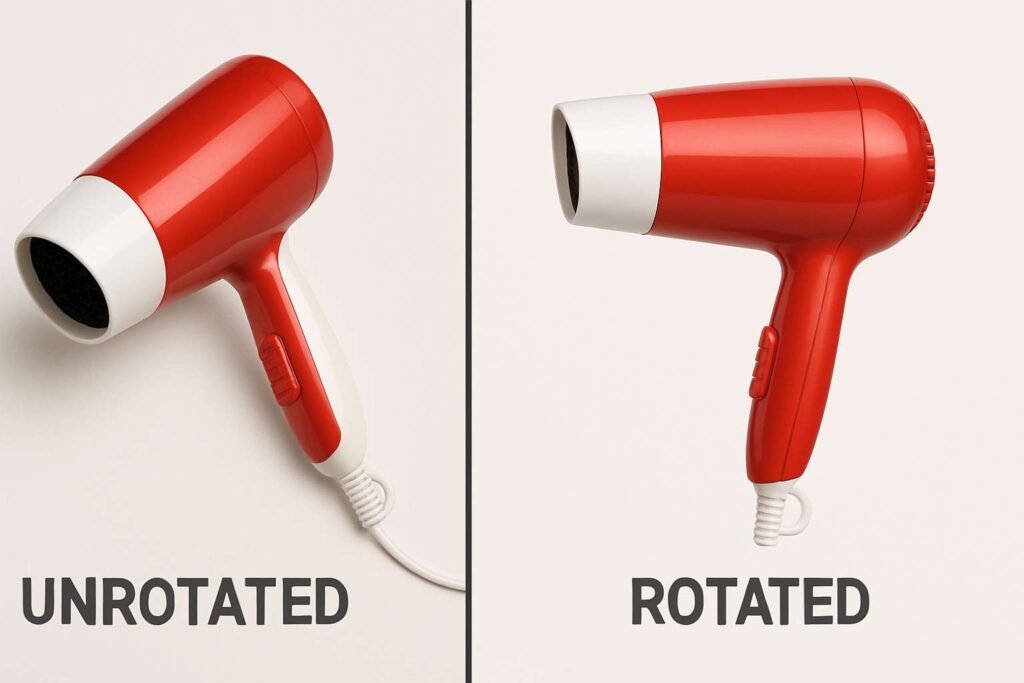
🧠 Why Bulk Image Rotation Is Such a Lifesaver
Let’s face it: manually rotating images is fine when you’ve got 2 or 3 files. But what if you’ve got 50? Or worse, 100?
Whether you’re a student scanning handwritten notes, a content creator uploading photo sets, or a business owner prepping product images, you don’t have time to do this one-by-one.
That’s why I rely on an online picture rotator. It handles bulk rotations instantly—without compressing your images or needing you to install anything.
🖱️ Here’s Exactly How I Use It (No Learning Curve)
Honestly, you don’t need a tutorial. The process is smoother than your morning coffee.
I open the Online Rotate Image Tool.
Drag all my images into the upload box.
Select how I want them rotated—90°, 180°, whatever fits.
Hit “Apply” and wait a few seconds.
Download all my images in one clean, correctly rotated batch.
I can do this from my phone, my laptop, or even when I’m traveling. It doesn’t eat memory or lag my browser.
🧑💻 Everyday People Using This—Just Like Me
Let me tell you about some real folks in my circle who now swear by this tool too:
🎓 My cousin, a college student
He scans all his class notes using his phone. Most come out sideways. Now he rotates them all in one shot before submitting PDFs to his professor.
🛍️ My friend who runs an Etsy shop
She often uploads 20+ handmade product shots at a time. With the online picture rotator, she gets them in the right orientation before posting.
📸 A wedding photographer I know
He bulk rotates 200+ photos per session using this. No Lightroom. No manual edits. Just batch rotate and done.
📲 Myself as a content creator
Whether it’s rotating Instagram carousels or aligning infographic snapshots, this tool saves me at least 3 hours a week.

💡 There’s More Under the Hood Than Just “Rotate”
I used to think this was just another quick-fix tool. But it turns out—it’s got range.
For example:
I once needed to spin a photo to create a quirky blog effect. Boom: Spin a Photo Online did it instantly.
When working on a design template, I needed pixel-perfect rotation, so I turned to Online Image Rotator—which offered angle-specific tweaks.
I’ve even had cases where camera metadata messed up image orientation, and the tool smartly fixed it using EXIF data.
So while the online picture rotator handles the bulk work, these extra options have become part of my creative workflow.
🔝 Top 5 Real-Life Uses of Online Picture Rotator
Since I’ve been using this almost daily, I’ve spotted patterns in how it’s useful. Here are the top 5 real-world uses I’ve personally seen:
Photographers – Rotate event or shoot images before organizing or sharing with clients.
eCommerce Sellers – Batch-fix product images before uploading to listings.
Students – Adjust flipped class notes and assignments for clean PDF submissions.
Content Creators – Prep social media visuals or blog graphics quickly.
Freelancers – Save time on client projects by rotating assets in bulk.
If you’ve ever dealt with visual content, you’ll fall into at least one of these buckets.
❓ Frequently Asked Questions
Q1. How many pictures can I rotate at once?
I’ve personally uploaded 100+ images at a time and it handled them like a champ. It uses batch processing, so performance stays solid even with large volumes.
Q2. Will it reduce the quality of my photos?
Not even slightly. I’ve rotated high-resolution DSLR shots, and they came back just as sharp.
Q3. Does it support PNG, JPG, or only one type?
It supports PNG, JPG, and even some camera RAW files. I’ve never had one fail.
Q4. Can I use it from my mobile phone?
Yep. I often fix photos on-the-go when I’m not near my laptop. The mobile UI works great.
Q5. Is it really free? Any hidden limits?
It’s 100% free. No sign-ups, no watermarks, no ads blasting you. Just upload, rotate, and download.
🔚 Final Thoughts
The way I see it, the online picture rotator is one of those tools that seems “too small to matter”—until you try it. Then it becomes part of your routine.
If you’ve ever been frustrated by upside-down screenshots or misaligned product photos, give this tool a go. It’s saved me more hours than I can count, and it’s now one of the first tabs I open during editing days.
👉 Try it here: Rotate Image Tool
Once you try it, you’ll wonder how you ever worked without it.

