

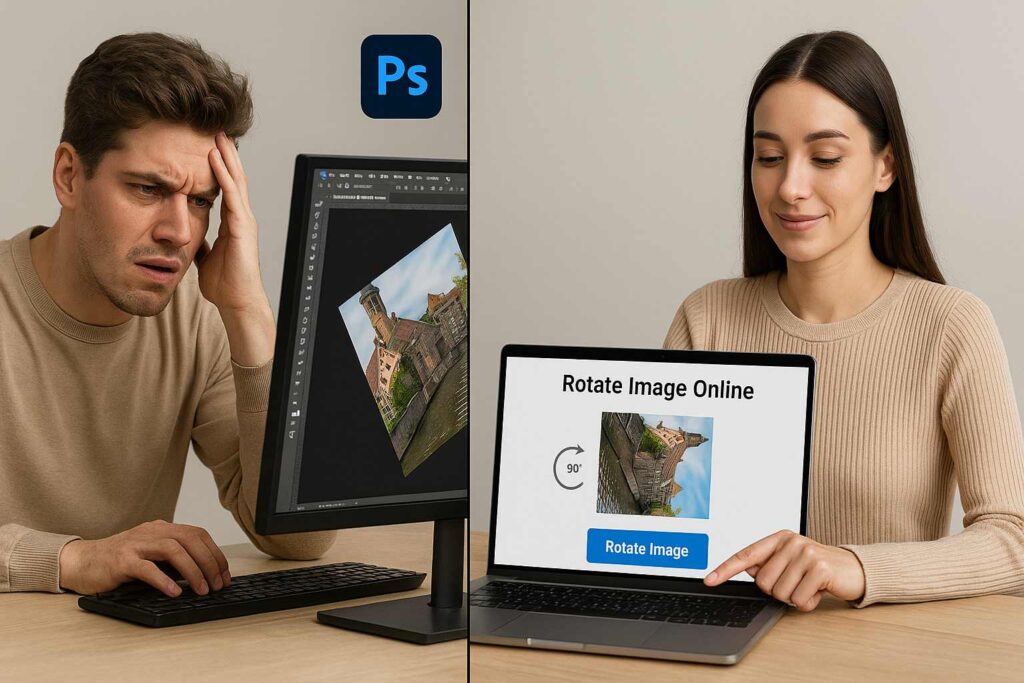
There was a time when I had to open up heavy photo editing software just to rotate a single image by 90 degrees. I’m talking about launching Photoshop, waiting for it to load, dragging the image in, rotating it, exporting it, renaming it—you get the picture. That was 10 minutes gone for a 10-second job.
In 2025, I refuse to waste time like that. That’s why I now swear by the online image rotator tool from SmallToolHub. It’s fast, reliable, free, and honestly? A breath of fresh air in a productivity-cluttered world.
Let’s dive deep into why this online image rotator is the best tool this year and how it’s reshaping the way freelancers, designers, students, and content creators manage their visual content.
🔄 Why Do You Even Need an Image Rotator Online?
We’ve all been there—receiving sideways selfies from relatives, uploading upside-down product shots, or dragging landscape photos into documents only to find they’re rotated wrong. It’s frustrating.
Here’s the thing: we’re all snapping pictures constantly—on phones, cameras, laptops. But these devices often auto-rotate based on orientation sensors, and sometimes they get it wrong.
With a tool like an online image rotator, you don’t need to re-upload to an app or open complex software. Just drag, rotate, save. Done.
🎯 Real-Life Moments Where Rotation Matters
Let’s get real about how rotation plays a part in everyday life. I use a rotation tool nearly every day, and I bet you do too—even if you don’t realize it.
As a Freelancer: When I’m sending client logos or scanning documents, they must be upright. A quick spin using an image rotator online saves me from sending an embarrassing tilted proposal.
Students: Submitting scanned assignments, diagrams, or handwritten notes? Using an online rotate image tool makes everything clean and presentable.
Social Media Managers: A wrongly rotated meme or graphic? That’s an engagement killer. Better to rotate and recheck before posting.
Photographers and Creators: Sometimes, I shoot in portrait mode, and Google Photos messes up the orientation. A fast rotation image online tool fixes it in seconds.
And let’s not forget regular people like me and you who just want their holiday photos to look good in an album.
⚙️ What Makes This Online Image Rotator the Best in 2025?
There are a lot of tools out there that promise image editing, but here’s why this specific online image rotator stands out:
✅ Instant Rotation (0°, 90°, 180°, 270° – no loading delays)
✅ No Signup Needed – open, upload, rotate, download
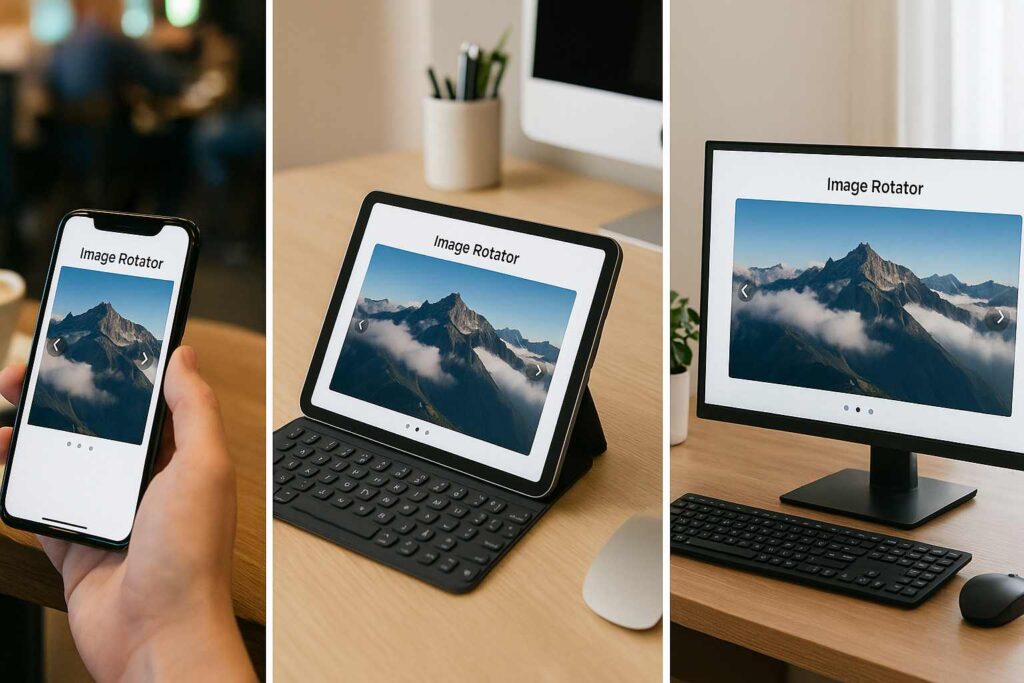
✅ Cross-Device Compatible – works great on mobile, tablet, and desktop
✅ Supports All Major Formats – JPG, PNG, WEBP, BMP
✅ Preview Before You Save – what you see is what you get
It’s part of a powerful set of tools that also includes features from the Rotate Image Online – Free Tool and Online Picture Rotator – Rotate Images in Bulk, meaning whether you’re fixing a single photo or hundreds, the tool has you covered.
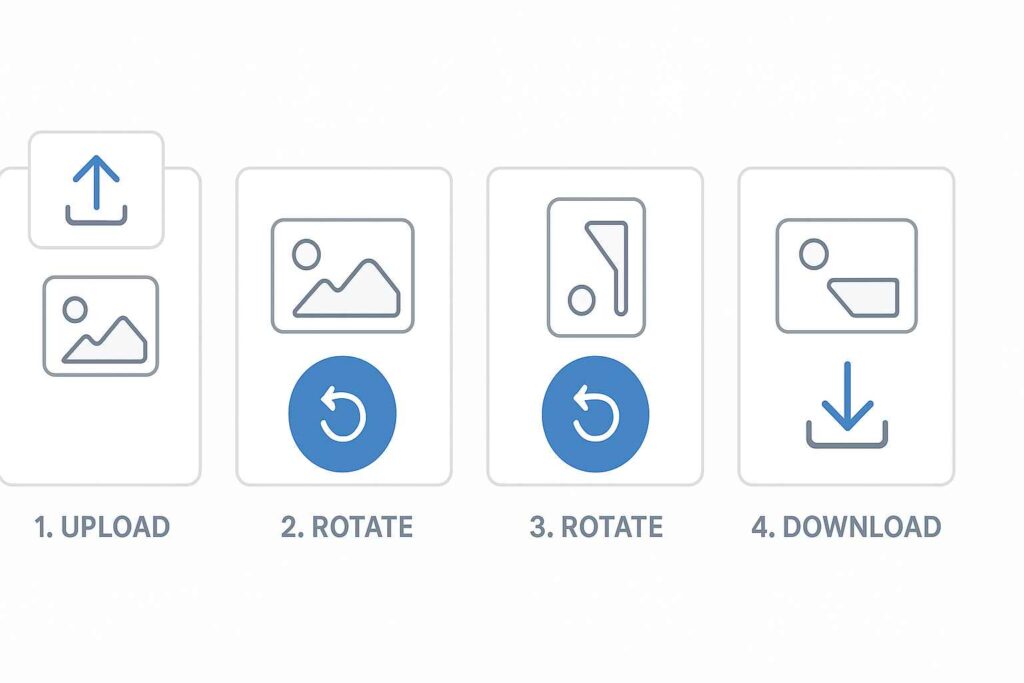
📌 How It Works: 3 Steps, That’s All
Honestly, I love simplicity. Here’s how I use this tool:
Upload Your Image: Drag and drop or click to browse.
Rotate with One Click: Choose the angle (90°, 180°, etc.)
Preview & Download: Save in the same quality you uploaded.
No lag, no watermarks, no stress.
🚀 How It Boosts Productivity (More Than You Think)
I used to lose 20–30 minutes daily just fixing the orientation of PDFs, scanned documents, and image files. That adds up over a week.
Using an online image rotator, I cut that time down to 2 minutes max. Multiply that over a month and suddenly I’ve gained an entire afternoon back. For busy creators, business owners, and even students, that’s a game-changer.
Plus, the tool integrates cleanly with other task flows—like compressing, renaming, or emailing.
And because there’s no need to download any bulky app, you’re freeing up both memory and mental space.
📲 Works Across All Devices
One time, I was at a café editing a blog on my tablet. I realized one of my header images was sideways. My design software was on my laptop at home. But guess what?
I opened the image rotator online, fixed it on my tablet, downloaded the corrected version, and updated the blog—all while sipping cold coffee.
Whether you’re on Android, iPhone, Windows, macOS, or Linux—this tool’s UI doesn’t glitch, shift, or fail. It’s built to be universally useful.
🔄 Rotate Images in Bulk – YES, That’s Possible
Have a whole folder of images from a photoshoot that’s rotated wrong? I’ve been there. That’s where the bulk rotation feature (borrowed from the Online Picture Rotator) steps in.
Upload multiple images.
Apply the same rotation.
Download them all at once.
For photographers, e-commerce store owners, and social media content creators, this feature alone can save hours every week.
🙌 Why I Personally Recommend This Tool
I’ve tried them all—Pixlr, Photoshop, Canva—even mobile apps like Snapseed and Lightroom. But when all I need is quick, efficient rotation?
This online image rotator is my go-to.
Here’s why:
It doesn’t make me feel like I need a tutorial.
It works even on slow WiFi.
It doesn’t bombard me with ads or “Pro” paywalls.
And it just gets the job done.
That kind of reliability is rare.
🔗 Related Tools I Love from SmallToolHub
If you enjoy the online rotate image experience, you’ll probably love these too:
Rotate Image Online – Free Tool: This lets you flip and spin photos instantly with drag-and-drop ease.
Online Picture Rotator: Need bulk rotation? This one’s a productivity beast.
All are part of the same platform, and switching between them is seamless.
❓ FAQ: You Asked, I Answered
Q: Is the online image rotator safe to use with sensitive images?
Yes! No data is stored on servers after processing. Once you download, your image is gone from the tool.
Q: Can I rotate images on my phone?
Absolutely. The tool is mobile-optimized, and the interface feels just as smooth on touchscreen devices.
Q: Will my image quality drop after rotation?
Not at all. The tool retains the original quality, format, and resolution.
Q: Is this tool completely free?
100%. No paywalls, no credit card pop-ups, and no watermark drama.
Q: Where can I learn more about image editing or manipulation?
You can check out this Wikipedia article on image manipulation for a deep dive.
📢 Final Thoughts: Rotate Smart, Not Hard
We live in a fast-paced world. If you’re still using desktop software just to rotate a picture, you’re behind the curve. The online image rotator isn’t just a utility—it’s a time-saving, sanity-preserving lifesaver.
Whether you’re a college student scanning your notes or a professional preparing a pitch deck, this tool fits seamlessly into your workflow. And in 2025, tools that save us time without eating up space or money? That’s what I call smart.
So next time you’re staring at a sideways photo—don’t sigh. Just head over to SmallToolHub’s Online Image Rotator and fix it in seconds.

