

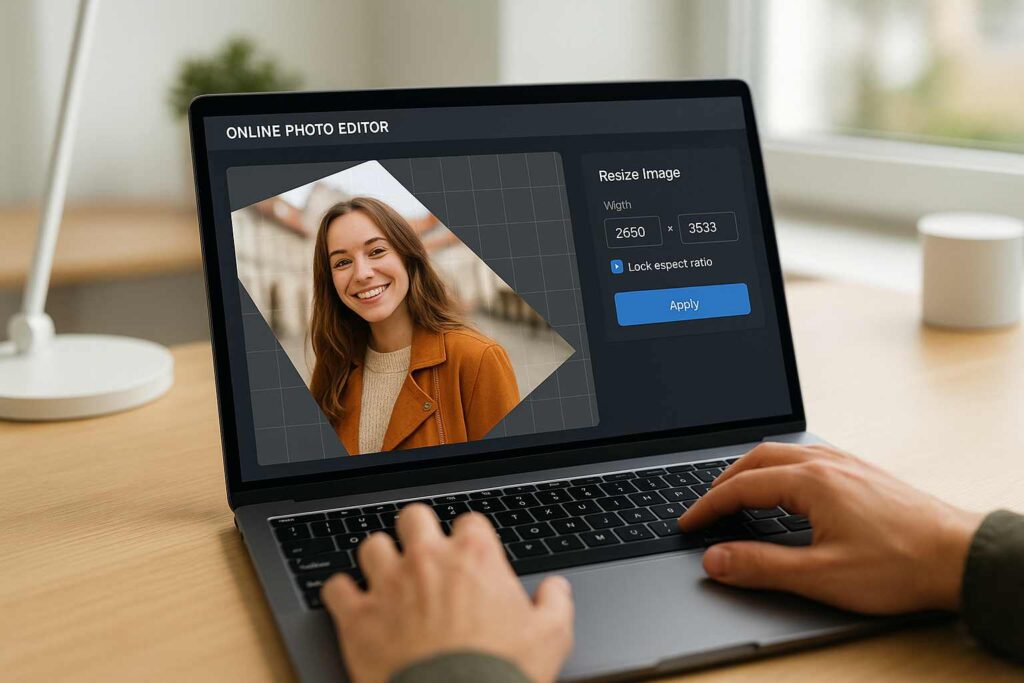
Have you ever tried uploading a perfect photo to Instagram, only to find it’s upside-down or way too large to fit your frame? Yep, I’ve been there more times than I can count.
I remember once, right before a client deadline, I had this amazing product image that looked great on my phone. But when I transferred it to my laptop, it was all wrong—sideways, oversized, and had weird white margins. I panicked for a moment. Then I remembered: I could just rotate and resize image online—no software, no stress.
And honestly? That little discovery saved my project (and probably my sanity).
Today, I want to share with you a tool that’s been a quiet hero in my day-to-day work as a blogger and content creator. Whether you’re a student submitting scanned homework, a designer building pitch decks, or someone curating aesthetic feeds for socials—this tool is going to make your life easier.
Let’s dive into how you can rotate and resize image online effortlessly and why this browser-based solution might just be the best-kept secret in your digital toolkit.
🌟 Why You (And I) Need to Rotate and Resize Image Online
If you’re anything like me, you want things done fast—especially when they should be simple. I mean, who wants to open a huge desktop app just to rotate a selfie or resize a Pinterest pin?
Being able to rotate and resize image online solves so many little pain points:
No downloads or installations
Works instantly in the browser
Super beginner-friendly
Free, no watermark, no signups
The very first time I tried SmallToolHub’s Rotate Tool, I was honestly shocked at how smooth it was. I rotated a blog header by 90 degrees, resized it to a thumbnail format, and downloaded it—all in under 30 seconds. No exaggeration.
💻 Let’s Talk About the Features
I’ve used a lot of editing tools over the years, but none are this lightweight and efficient. Here are the key features that make this one my go-to:
▶️ Rotate in a Click
You can rotate left, right, or do a custom angle rotation. This is a lifesaver for scanned documents or random phone pics that come out sideways.
Need more control? The interface also supports flip options—which is perfect when you want to create mirrored graphics or reverse an image for aesthetic layout.
🔢 Resize Without the Headache
Resizing is usually where things go wrong with most tools. But here? You just enter your desired width and height, and it scales like butter.
Being able to rotate and resize image online together in one go means I don’t need to jump between tools. It’s especially handy when prepping images for email banners, where size limits are strict.

🌀 Crop and Rotate Image Together
I love this. You can crop and rotate image at the same time, which saves SO much time. Especially when adjusting photos for profile pictures or thumbnail previews.
You can try this specific feature directly at Rotate Image Editor Online – Crop, Rotate & Save.
✅ Zero Load Time, No Signups
This tool just works. No lag, no waiting, no pop-ups. I’ve used it from both my phone and laptop, even on slow Wi-Fi, and it’s still lightning fast.
👨💼 Real People, Real Benefits
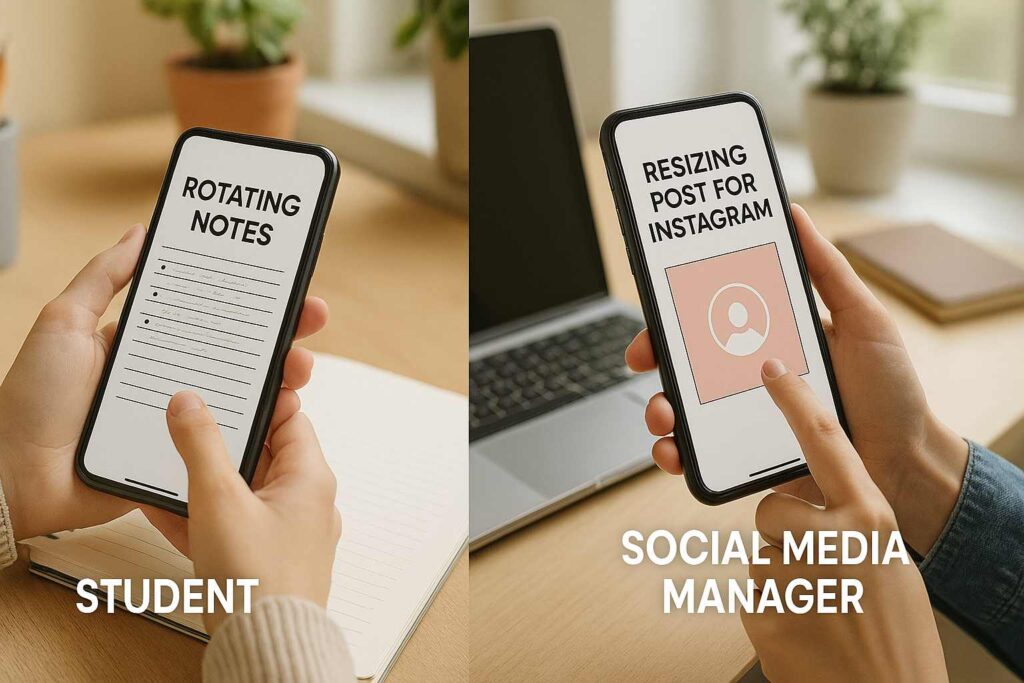
Let me break this down by role. Because I’ve seen this tool help people in totally different walks of life.
🎨 Graphic Designers
Designers often need to flip mockups, rotate assets, or resize logos quickly. With this tool, you can resize rotate image online without opening Illustrator or Photoshop.
🎓 Students
My cousin, a college student, once had to rotate scanned handwritten notes that her teacher couldn’t read. This tool saved her at 11:58 PM.
📱 Social Media Managers
From Pinterest pins to YouTube thumbnails, social managers deal with specific aspect ratios. Being able to rotate and resize image online in real-time means less time editing and more time publishing.
📑 Bloggers & Freelancers (That’s Me!)
Every blog I publish has at least three custom images. And every time, I use this tool to prep them. From cropping out distractions to resizing for speed and rotating for perfect framing—it does it all.
✨ A Quick Use-Case from My Life
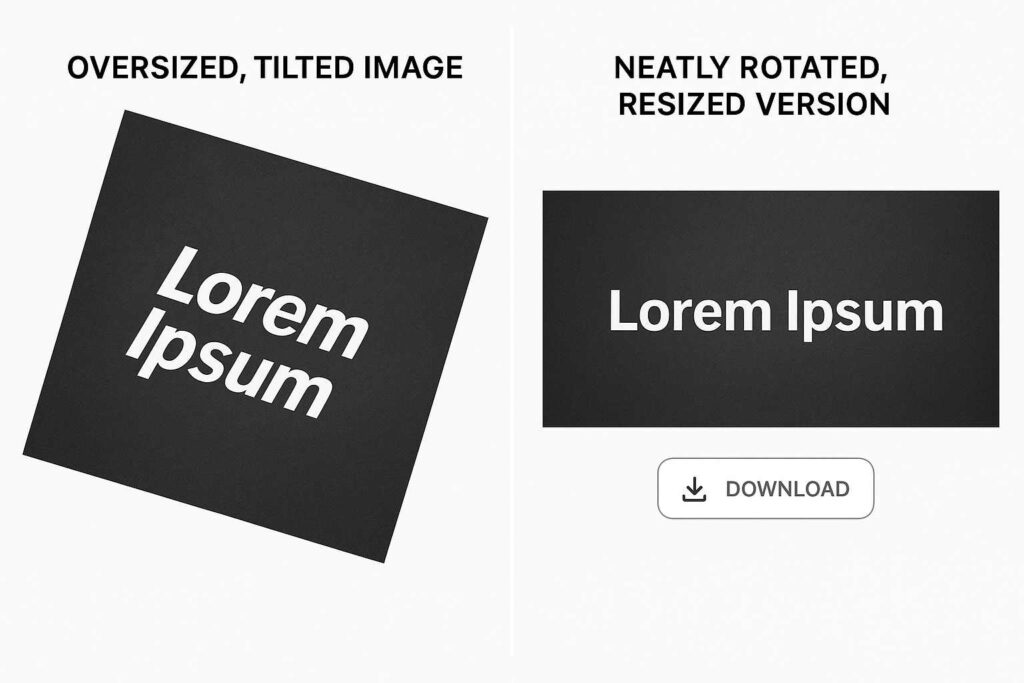
Last month, I was building a resource page for a client. They sent a product image, but it was tilted and much too large for web. Here’s how I fixed it:
Uploaded it to SmallToolHub Rotate Tool
Clicked rotate 90° clockwise
Entered size: 1200×628
Cropped extra white space
Downloaded
Done. All in less time than it takes to open Photoshop.
That’s the real magic of being able to rotate and resize image online.
🔄 How It Stacks Up Against Software
| Feature | Traditional Software | Online Editor |
|---|---|---|
| Setup Time | 3–5 minutes | Instant |
| Watermark-Free | Often No | Always Yes |
| Mobile Friendly | Usually No | Fully Responsive |
| Crop & Rotate Together | No | Yes |
| Free Forever | Rarely | ✅ Absolutely |
Want a no-login version? Try Rotate Image Free – No Signup, No Watermark.
🤔 FAQ Time
Q: Is it safe to rotate and resize image online?
Yes. Everything processes locally in your browser. Nothing gets uploaded or stored.
Q: Will image quality drop?
Only if resized incorrectly. But this tool maintains ratios for clarity. Learn more about Image Scaling.
Q: Can I crop and rotate image at once?
Yes, that’s a major strength. Adjust everything in one window.
Q: Do I need to download anything?
Nope. Just head to SmallToolHub and get started.
Q: Can I use this for free forever?
Yes. No signup, no watermark, no limitations.
🚀 Final Thoughts
If there’s one small change you can make today to save time in your workflow, it’s this: start using an online editor to rotate and resize image online.
It’s fast. It’s free. And it’s honestly better than most software options for quick edits.
I use it every single day—for blogs, thumbnails, emails, and even personal photo fixes. Once you try it, you’ll wonder how you lived without it.

